
10 Best Audit Management Software for 2026
Quick Summary
ZenGRC is the best for lean multi-framework teams, while Optro, Workiva, TeamMate+, Diligent One, MetricStream, Hyperproof, LogicGate Risk Cloud, ServiceNow GRC, and Onspring serve specialized enterprise, reporting, audit, and customization needs well.
Here are the top 3:
| # | Platform | Best For |
| 1 | ZenGRC | Teams managing multiple compliance frameworks and control testing that need flexibility without enterprise pricing |
| 2 | Optro | Auditors with formal SOX and layered review workflows |
| 3 | Workiva | Enterprises connecting assurance work with financial and ESG reporting |
ZenGRC is Built to Make Audit Management Easy
ZenGRC has helped organizations strengthen audit programs, governance, risk, and compliance since 2009. Our customers include teams managing complex frameworks, global vendors, SOX, SOC, ISO 27001, and enterprise risk. That experience gives us a practical view of which audit platforms fit different teams, budgets, and compliance demands.
10 Top Audit Management Software
Below is a summary of the platforms we will cover in this review:
| # | Platform | Best For | Pricing Estimate |
| 1 | ZenGRC | Teams managing multiple compliance frameworks and control testing that need flexibility without enterprise pricing | Custom flat-rate quote |
| 2 | Optro | Large internal audit teams managing SOX, layered reviews, and resource planning | Custom modular pricing |
| 3 | Workiva | Enterprises connecting audit work with financial, ESG, and disclosure reporting | Custom quote |
| 4 | TeamMate+ | Regulated audit functions | $15,000 to $150,000+ yearly |
| 5 | Diligent One | Governance-heavy organizations | From about $5,000 yearly |
| 6 | MetricStream | Global enterprises coordinating broad GRC programs | From about $75,000 yearly |
| 7 | Hyperproof | Growing compliance teams | From about $12,000 yearly |
| 8 | LogicGate Risk Cloud | Teams needing no-code workflows and quantitative risk analysis | $25,000 to $150,000+ yearly |
| 9 | ServiceNow GRC | Existing ServiceNow customers integrating audit with ITSM and SecOps | From about $50,000 yearly |
| 10 | Onspring | Cross-functional GRC teams | From about $20,000 yearly |
1. ZenGRC – Best for compliance teams replacing spreadsheets or lightweight tools after adding a second or third framework.
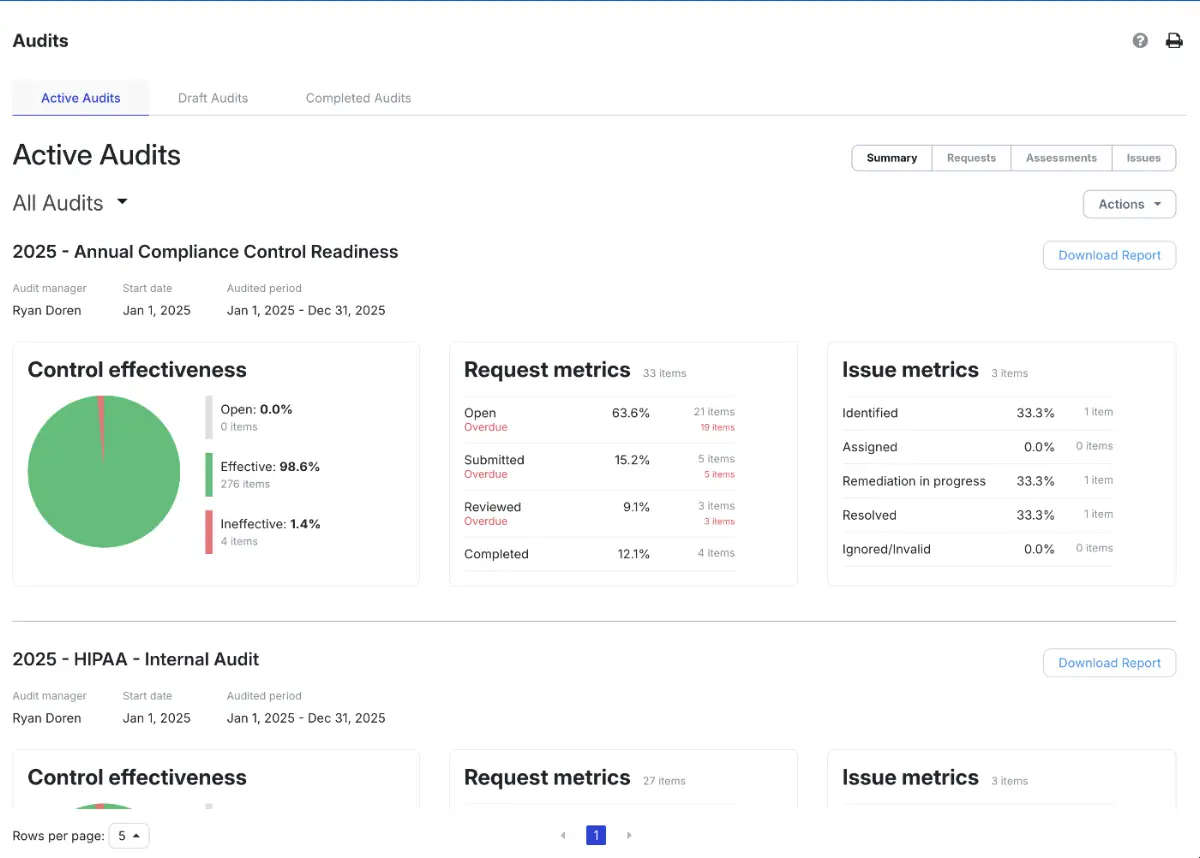
ZenGRC is a leading audit management software for organizations running mature, multi-framework GRC programs. It connects internal audit, risk, and compliance management within one platform. This gives lean teams a practical way to collect evidence, test controls, manage findings, and maintain audit readiness without a dedicated system administrator.
Key Features
- Automated Evidence Collection: Pull evidence on schedule through 117 integrations.
- Cross-Framework Mapping: Reuse controls across SOC 2, ISO 27001, HIPAA, and more.
- Control Assessments: Evaluate control design and effectiveness using supporting evidence.
- Issue Management: Create, assign, and track findings when controls fail testing.
- Audit Collaboration: Give external auditors controlled access to requests and documentation.
Pricing
- Varies based on frameworks, users, and deployment needs. Book a demo to determine exact pricing figures.
Pros
- Supports multi-framework audits without duplicating control tests or evidence
- Connects audit findings directly with risks, controls, and remediation work
- Guided onboarding helps most teams become operational within weeks

- Unlimited users support collaboration without adding per-seat charges
- Reduces last-minute audit rush by keeping readiness visible throughout the year
- Preserves audit context when team members change or evidence owners rotate
Cons
- Advanced risk aggregation may be limited for complex enterprise models
2. Optro, Formerly AuditBoard
Optro brings mature audit workflows, SOX controls, risk data, and compliance management into one enterprise system. Its strength lies in coordinating complex assurance work through structured reviews, centralized workpapers, and detailed resource planning. That said, its SOX risk assessment lacks robust mapping, so Excel is still needed.
Key Features
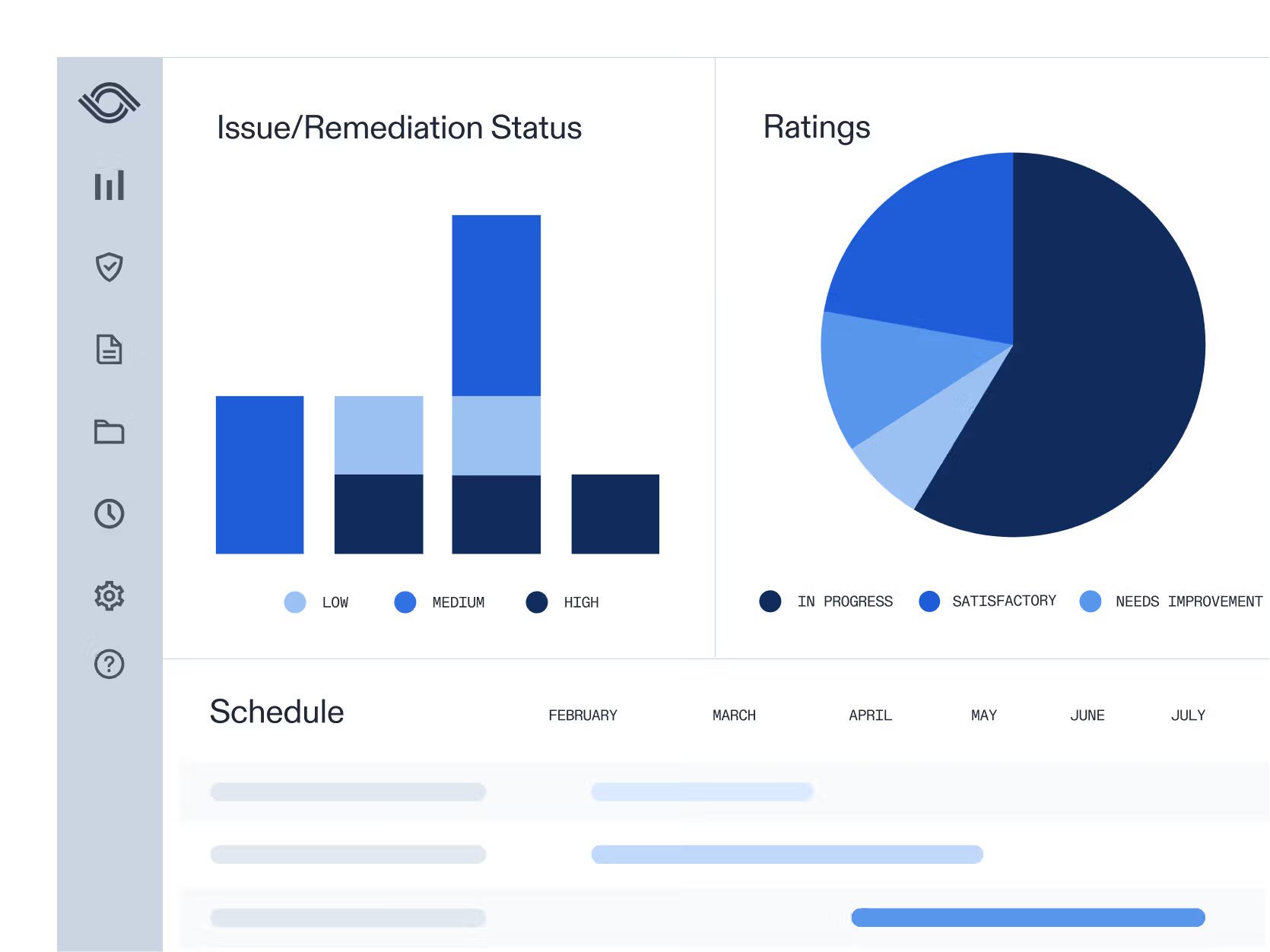
- Audit Planning: Build risk-aligned plans and schedule resources across projects.
- Fieldwork Automation: Automate sampling, evidence gathering, and document annotation.
- Controls Management: Test controls and manage SOX certification workflows.
- Connected Risk: Link audit work with risks, issues, and compliance obligations.
- Audit Reporting: Create dashboards and reports for findings and remediation.
Pricing
- Optro uses custom modular pricing structured around solution modules, user licenses, and contract length.
Pros
- Preparer and reviewer workflows support structured audit supervision
- Resource planning gives managers visibility into staffing and utilization
- Centralized workpapers improve consistency across large audit teams
- More than 200 integrations support evidence and workflow automation
Cons
- It can be difficult to customize reports for specific needs
- The AB Annotate tool is cumbersome during document testing.
Best For: Organizations with formal SOX ownership, layered review processes, and distributed audit teams.
3. Workiva
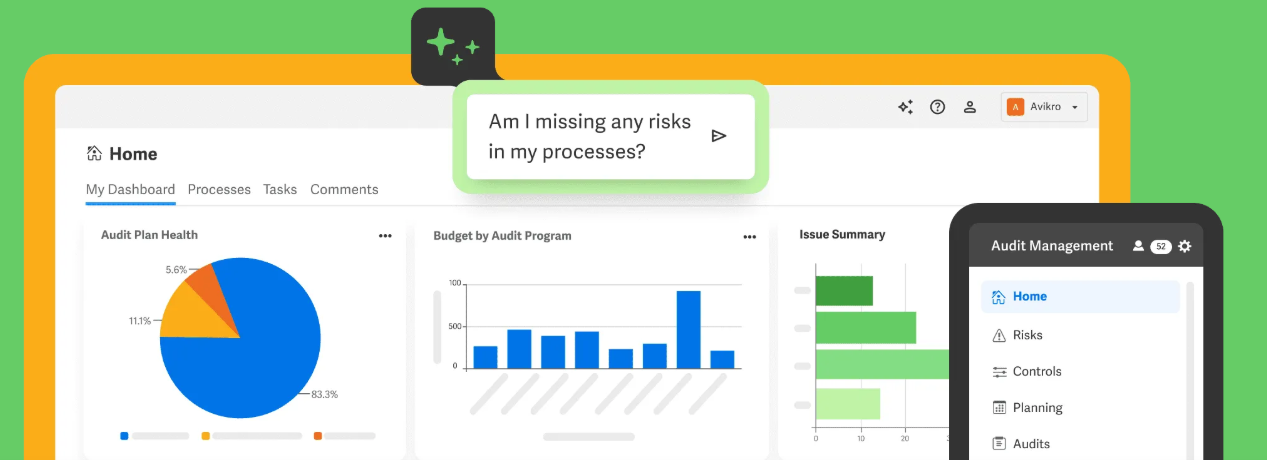
Workiva stands out for its connected data model and reporting depth. Internal audit teams can manage planning, testing, evidence, and final reports while source data stays synchronized across documents. This makes the platform especially relevant for enterprises where assurance work must feed accurate, controlled outputs to multiple stakeholders.
Key Features
- Risk-Based Planning: Build audit plans using centralized risk scores and inputs.
- Workpaper Sampling: Select random, filtered, or judgmental samples with audit trails.
- Controls Management: Test controls and monitor performance in one environment.
- Connected Reporting: Sync data across dashboards, reports, and supporting documents.
- AI Assistance: Generate controls, analyze evidence, and identify issue patterns.
Pricing
- Pricing is quote-based and varies by solution number of users and document volume.
Pros
- Real-time collaboration across audit deliverables
- Strong version control helps teams preserve reporting integrity
- Automated report updates for reduced repetitive reconciliation work
- Wdata connects audit information with several enterprise data sources
Cons
- Large files can reduce platform performance during reporting workflows
- Implementations require significant consultant involvement
Best For: Large enterprises with complex disclosure requirements and heavily documented assurance processes.
4. TeamMate+ by Wolters Kluwer
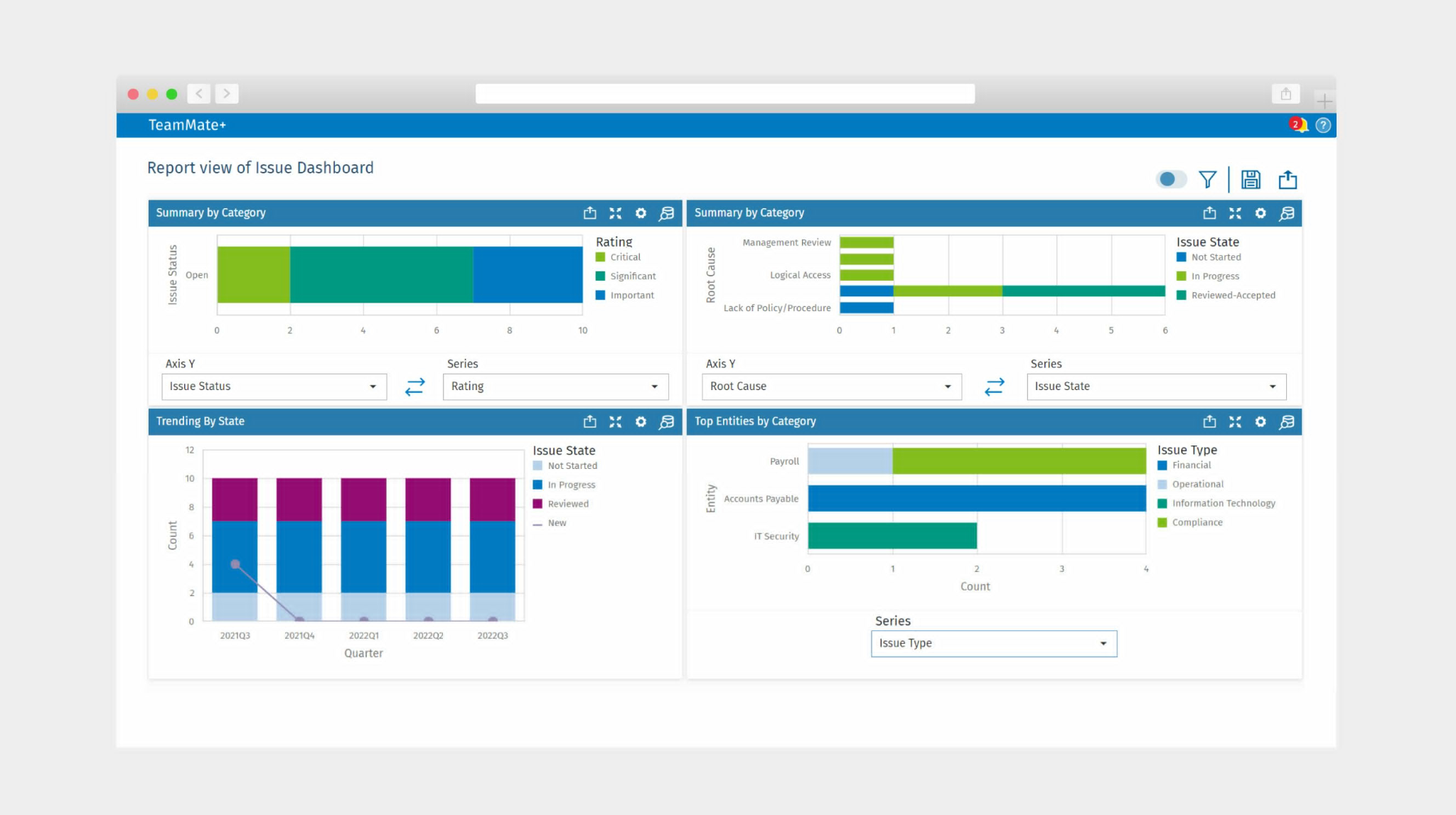
TeamMate+ brings years of audit-focused product development into a structured environment for planning, fieldwork, review, and follow-up. Its strength lies in disciplined audit execution. However, users find its AI capabilities underdeveloped, limiting broader use.
Key Features
- Multi-Year Planning: Forecast audit cycles across entities and planning periods.
- Risk Assessment: Track configurable risk scores throughout the audit lifecycle.
- Workpaper Controls: Separate preparation, review, and approval responsibilities.
- Business Rules Engine: Apply no-code guidance and validation within audit workflows.
- Controls Testing: Document controls and automate testing and monitoring activities.
Pricing
- Typically, annual costs range from $15,000 to $150,000+, depending on users, modules, and deployment options selected.
Pros
- Multi-year scheduling supports long-range coverage decisions
- Structured approvals reinforce segregation of duties
- SmartCheck validations improve consistency across fieldwork
- Supports cloud and on-premise deployment
Cons
- Platform can be slow and occasionally buggy
- Uploading more than 100 documents complicates central review and access
Best For: Regulated organizations that need formal audit methodology and long-term planning discipline.
5. Diligent One Platform
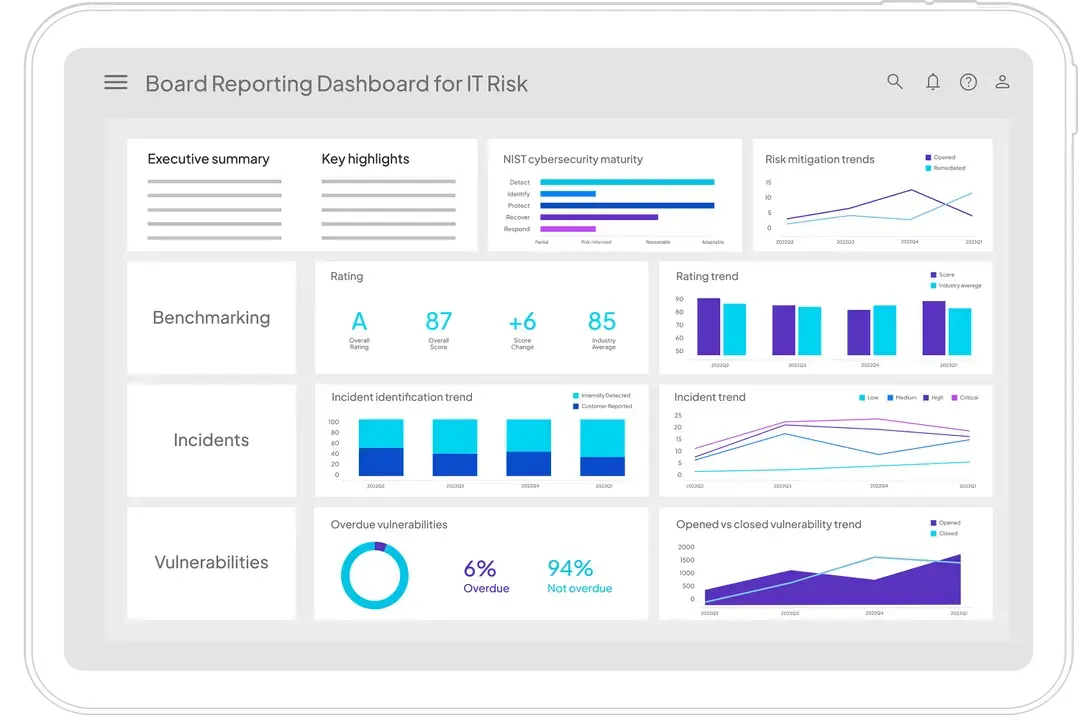
Diligent One links audit execution with enterprise risk, compliance management, policy oversight, and board governance. Its Audit app supports the full lifecycle while AuditAI adapts plans as risks change and automates evidence requests. The broader governance scope makes it relevant where assurance findings must reach directors and senior leadership.
Key Features
- Risk-Based Planning: Prioritize auditable entities and update plans as risks shift.
- AuditAI: Automate evidence requests and escalate recurring control issues.
- Data Analytics: Test complete datasets instead of relying only on samples.
- Compliance Maps: Connect regulatory requirements with mapped controls.
- Board Integration: Share governance and risk insights through connected board tools.
Pricing
- Diligent One uses a quote-based subscription, with basic access reported from $5,000 annually.
Pros
- Centralized records improve visibility across governance functions
- Maintains detailed audit trails for compliance activities
- Provides prebuilt toolkits for common frameworks and use cases
- Real-time dashboards help management track findings across locations
Cons
- Custom fields adds configuration complexity and cost
- Reporting customization requires additional setup effort
Best For: Public companies and governance-heavy enterprises seeking closer board-level oversight of GRC.
6. MetricStream
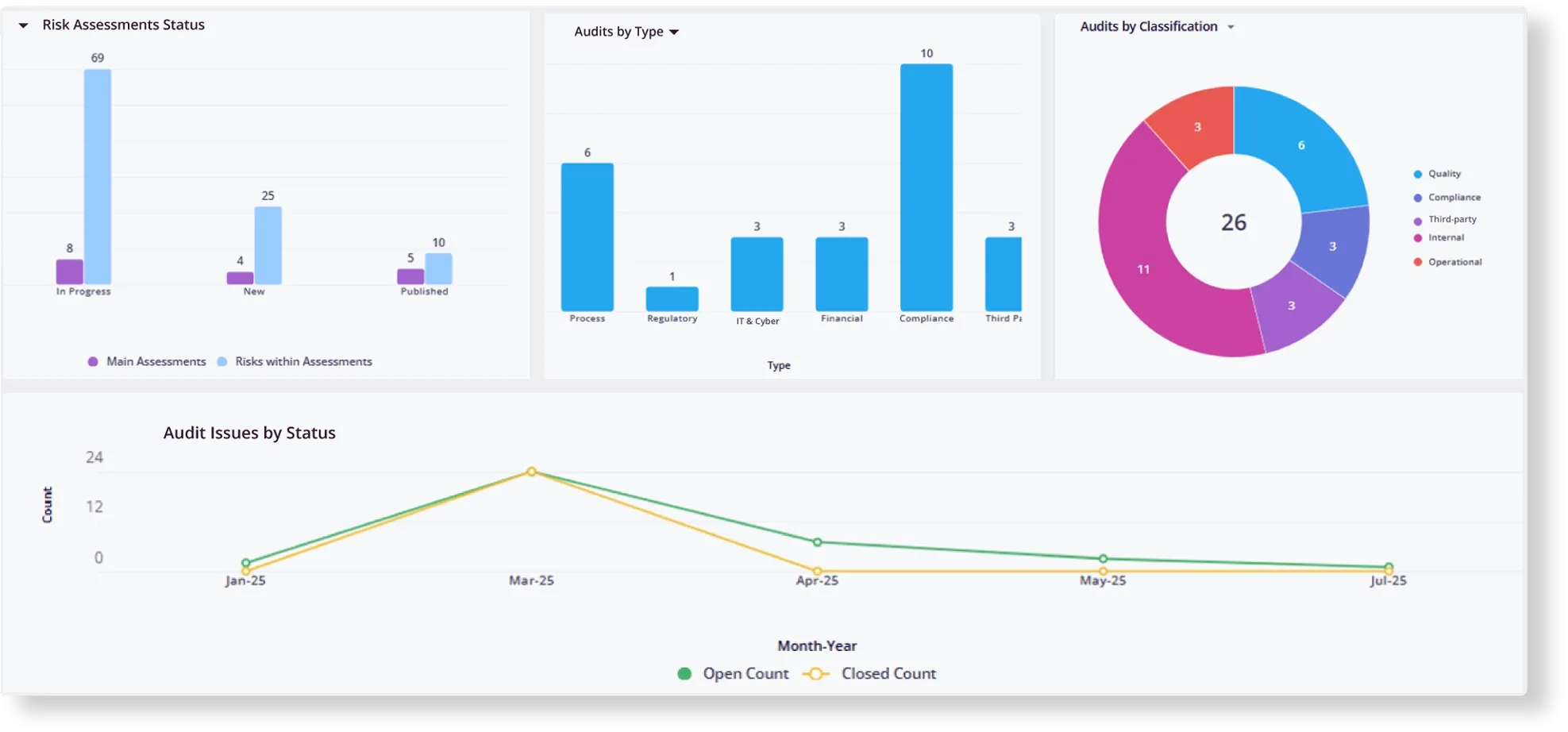
MetricStream integrates audit, risk, compliance management, cyber risk, and operational resilience into one enterprise environment. Its internal audit application draws on live risk data, supports continuous control testing, and applies AI to issue classification and reporting. The breadth suits organizations coordinating assurance across complex structures and jurisdictions.
Key Features
- Audit Universe: Maintain hierarchical entities, risks, controls, and IT assets.
- Resource Scheduling: Match auditors to projects by availability and skills.
- Offline Fieldwork: Complete workpapers and control tests without continuous connectivity.
- Issue Intelligence: Identify recurring findings and suggest remediation actions.
- Executive Dashboards: Monitor audit status, control health, and SOX compliance.
Pricing
- Quote-based enterprise pricing, with deployments reported from about $75,000 annually.
Pros
- Includes live risk data for audit teams
- Supports mobile workflows for distributed and on-site auditors
- Low-code tools allow extensive process configuration
- Time-limited access for regulator and external auditor reviews
Cons
- Consistent workpaper freezes and browser performance issues
- Large enterprise configurations require substantial implementation resources
Best For: Global enterprises coordinating mature GRC programs across multiple business units.
7. Hyperproof
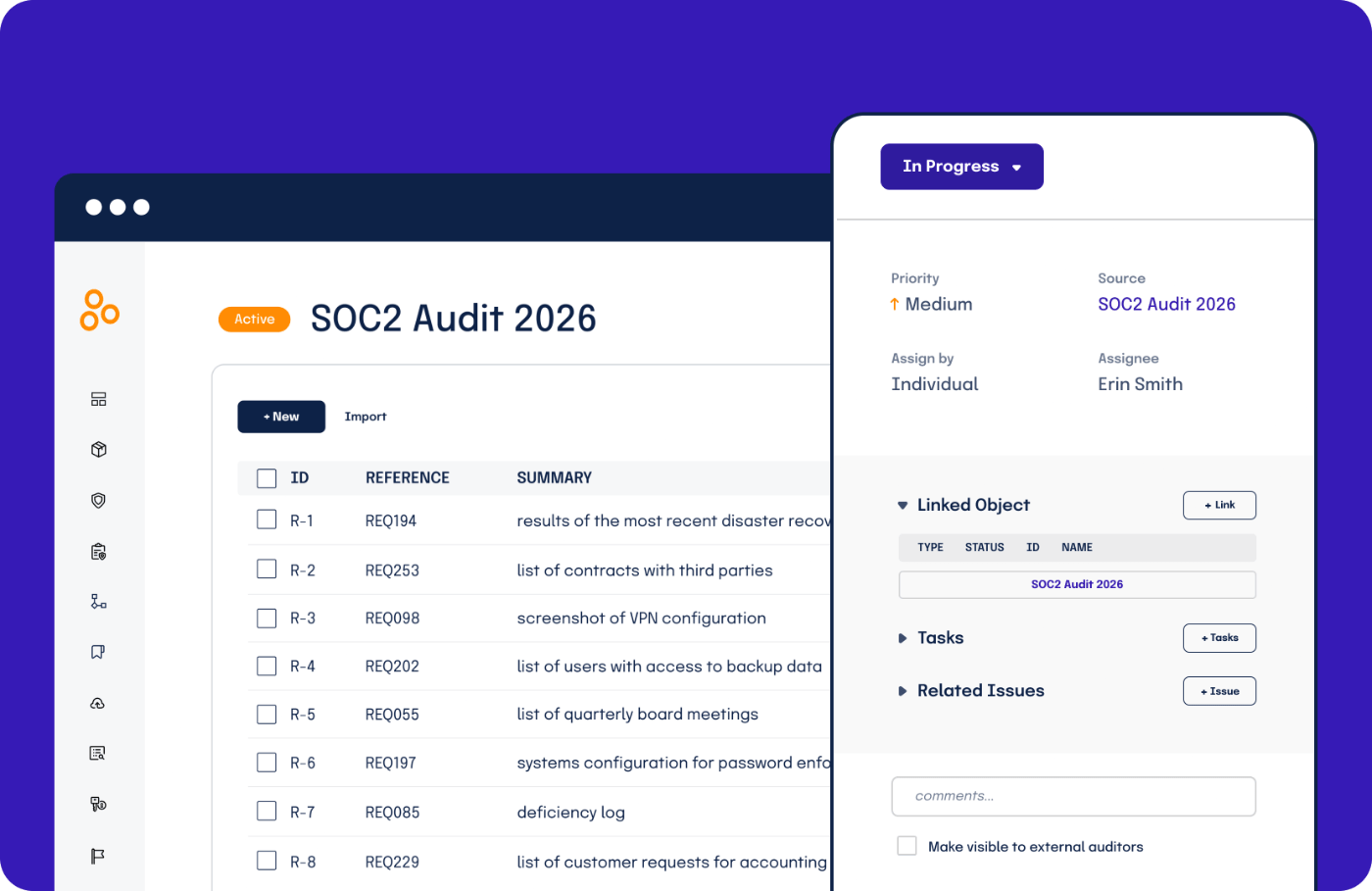
Hyperproof centers audit preparation on reusable evidence, mapped controls, and structured request workflows. Compliance teams can work in a clearly restricted workspace and use AI-guided steps to identify missing links or potential evidence failures before formal review begins. That said, customizing frameworks takes real effort and can get complex.
Key Features
- Evidence Reuse: Apply existing proof across mapped audits and frameworks.
- Auditor Workspace: Grant limited access for document review and questions.
- AI Validation: Flag evidence gaps and possible audit failures before submission.
- Control Assessments: Review design, language, effectiveness, and reliability.
- Compliance Dashboards: Track tasks, audit status, and program posture in real time.
Pricing
- Subscription pricing starts around $12,000 annually, with add-on modules priced separately.
Pros
- Centralized requests reduce repeated outreach to control owners
- Labels help teams organize evidence and monitor freshness
- More than 200 integrations support automated proof collection
- Guided workflows make recurring audit preparation easier to coordinate
Cons
- Some fields are unresponsive with occasional workflow bugs
- Risk, policy, vendor, and access review modules cost extra, versus ZenGRC’s unified platform
Best For: Growing security and compliance teams preparing for recurring multi-framework audits.
8. LogicGate Risk Cloud
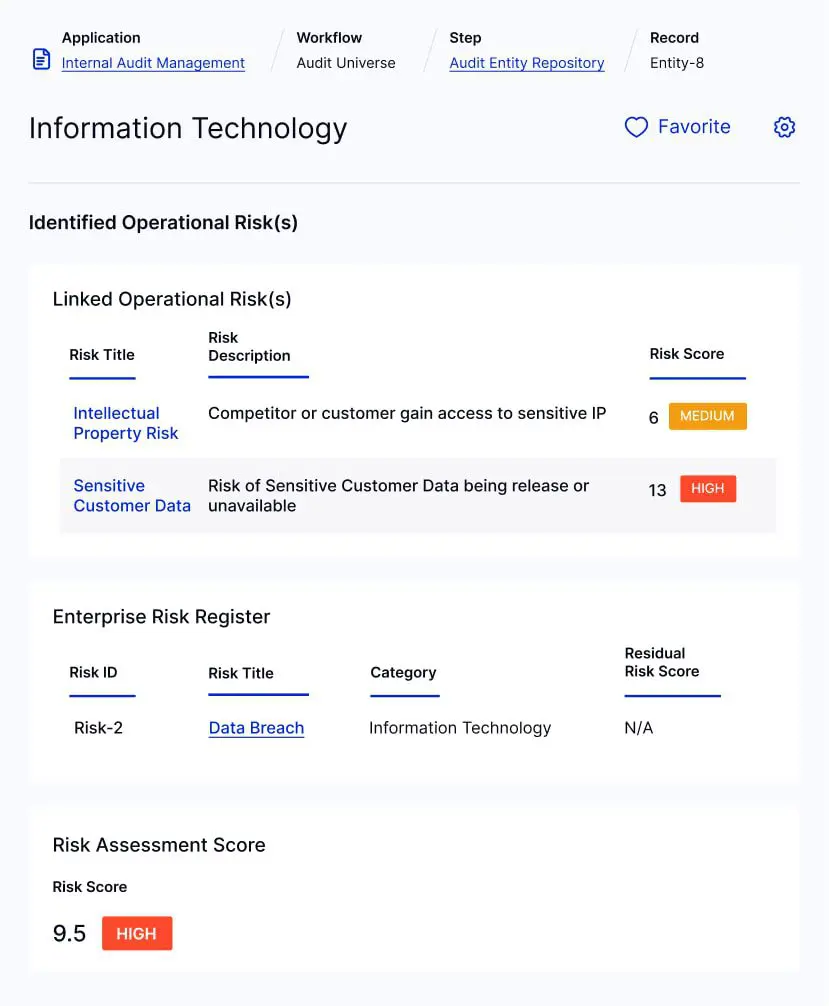
LogicGate Risk Cloud emphasizes configurable GRC workflows through a no-code environment. Internal audit teams can adapt processes, automate evidence gathering, and connect findings with controls, risks, and remediation records. Its flexible architecture works well when established programs need software shaped around existing methodologies rather than fixed workflows.
Key Features
- No-Code Workflows: Configure audit processes with drag-and-drop tools.
- Evidence Collection: Gather control documentation from connected business systems.
- Gap Analysis: Compare control coverage across new or updated frameworks.
- Risk Quantification: Model potential losses using Monte Carlo simulations.
- Board Dashboards: Present role-based risk and audit metrics to leadership.
Pricing
- Estimated annual costs for LogicGate Risk Cloud typically range from $25,000 to $150,000+.
Pros
- Configurable workflows accommodate organization-specific audit methodologies
- Shared records connect findings, controls, risks, and corrective actions
- Standard and external users are included without added license fees
- Automated reminders help keep evidence requests and remediation on schedule
Cons
- Requires a dedicated administrator for implementation, compared with ZenGRC’s guided onboarding
- Power-user licensing can raise costs as administration needs expand
Best For: Established GRC teams that prioritize process customization and quantitative risk analysis.
9. ServiceNow GRC
ServiceNow GRC extends audit work into the same ServiceNow environment used for IT service management and security operations. Its audit management application supports risk-based scoping, evidence collection, control assessments, and remediation tracking, making it a practical extension for enterprises with established ServiceNow workflows and administration resources.

Key Features
- Risk-Based Scoping: Build audit plans around auditable units and risk profiles.
- Evidence Workflows: Collect and trace supporting artifacts across the audit lifecycle.
- Smart Assessments: Automate control effectiveness and compliance questionnaires.
- Remediation Agents: Generate action plans and coordinate corrective tasks.
- Digital Signatures: Support formal approvals and internal audit requirements.
Pricing
- ServiceNow GRC uses quote-based IRM licensing, with reported entry costs near $50,000 annually.
Pros
- Native ITSM and SecOps links connect findings with operational workflows
- Real-time dashboards centralize audit, risk, and compliance status
- Automated assessments reduce repetitive control-owner follow-up
- Role-based access supports cross-functional participation and accountability
Cons
- Deployments may require months of configuration, while ZenGRC goes live in weeks
- Most users find the experience fragmented across applications
Best For: Large ServiceNow customers seeking to embed assurance work into existing IT operations.
10. OnSpring
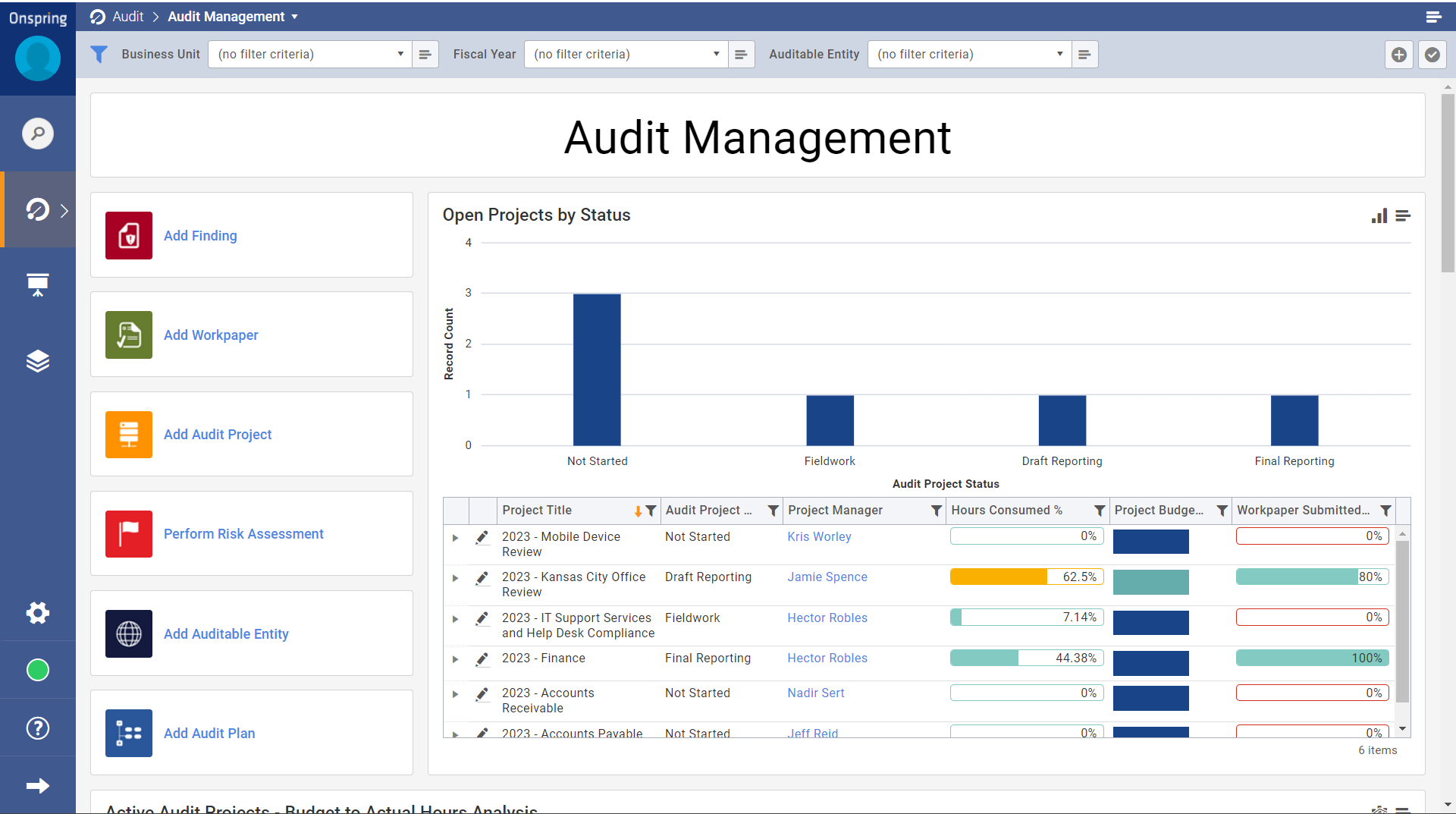
Onspring gives audit teams a no-code workspace for shaping planning, fieldwork, testing, findings, and follow-up around existing methods. Its connected GRC model links workpapers with risks, controls, policies, and compliance obligations, while live reporting keeps stakeholders informed without recurring spreadsheet consolidation.
Key Features
- Annual Planning: Align audit coverage, resources, and deadlines with enterprise risks.
- Workpaper Management: Centralize files, revisions, review notes, and supporting evidence.
- Control Testing: Conduct design and operating tests across mapped requirements.
- Findings Management: Link issues to controls, policies, owners, and action plans.
- External Collaboration: Give auditors secure portal access for requests and reviews.
Pricing
- Custom user-based plans, with reported annual costs starting from $20,000.
Pros
- No-code tools let GRC teams adjust workflows without developer support
- Automated task routing reduces manual assignments and owner follow-up
- Live dashboards provide current audit and remediation visibility
- FedRAMP Authorized GovCloud supports eligible public-sector deployments
Cons
- Cross-application reporting requires cumbersome workarounds
- Poorly planned custom applications may become difficult to maintain
Best For: Teams needing adaptable workflows across several GRC functions.
How To Choose the Best Audit Management Platform
Use these four checks to separate practical audit platforms from systems that strain your team.
1. Match the Platform to Your Operating Model
Start with team size, audit complexity, and administration capacity. A lean compliance team needs fast setup and low upkeep, while a global internal audit function may require resource planning, layered reviews, and detailed permissions.
2. Test Multi-Framework Efficiency
Ask vendors to demonstrate how one control and evidence item maps across multiple frameworks. ZenGRC is a strong fit for multi-framework audit programs because it supports cross-framework mapping, evidence reuse, and guided implementation without requiring a dedicated administrator.
3. Verify the Complete Audit Workflow
Evaluate planning, fieldwork, testing, findings, remediation, and reporting in one realistic use case. Confirm that evidence retains ownership, timestamps, approval history, and links to relevant controls.
4. Calculate the Real Cost of Ownership
Compare implementation services, administrator time, user fees, framework charges, integrations, and add-on modules. Run a proof of value using your data so workflow gaps surface before contract signing.
Streamline Audit Management With ZenGRC
The right audit management software should reduce manual work, improve visibility, and support your team as frameworks and audit demands grow.
ZenGRC brings controls, evidence, findings, risk, and compliance management into one platform. Cross-framework mapping, automated evidence collection, and guided onboarding help lean teams stay audit-ready without adding administrative overhead.
Book a ZenGRC demo to see how the platform can support your audit and compliance program.
Frequently Asked Questions (FAQs)
1. How Long Does Audit Management Software Take to Implement?
Timelines depend on platform complexity, data migration, workflow design, and internal resources. Mid-market tools may go live within weeks, while enterprise deployments can take several months.
2. What Should AI Do in an Audit Platform?
Useful AI should analyze evidence, identify gaps, support control testing, and explain its conclusions. Human reviewers should retain approval authority. ZenGRC AI supports this model through evidence-based control assessments that users review and approve before findings are finalized.
3. How Do We Drive Adoption of Audit Management Software?
Involve auditors, control owners, and compliance teams before purchase. Test evidence requests, approvals, remediation tasks, and reporting with real users. Adoption improves when workflows match existing responsibilities, forms collect only necessary information, and users receive clear training and support.
4. How Can We Reduce Vendor Lock-In?
Confirm that controls, evidence, findings, audit histories, and user records can be exported in structured formats. Also review contract terms for data retrieval, integration ownership, retention periods, and migration support after termination.
5. Should We Build an Audit Management System Internally?
Building may suit organizations with unusual requirements and permanent engineering capacity. Most teams benefit more from a maintained platform because internal systems require ongoing security updates, framework maintenance, integrations, support, documentation, and audit-trail controls.