
Top 10 Best GRC Software: By Use Case and Category
Quick Summary
ZenGRC is the leading choice for lean, multi-framework GRC, while Vanta, Drata, Secureframe, Hyperproof, OneTrust, RSA Archer, ServiceNow IRM, Eramba, and CISO Assistant serve a range of early-stage, enterprise, and open-source needs.
Here are the top 3:
| # | Platform | Company Stage | Best For |
| 1 | ZenGRC | Growing/Handling multiple frameworks | Teams that need a full-featured, flexible GRC to manage multiple frameworks, audits, vendors, and evidence |
| 2 | OneTrust | Enterprise | Global privacy, risk, compliance, and AI governance programs |
| 3 | Eramba | Open Source | Technical teams needing flexible, low-cost GRC workflows |
ZenGRC is a Leading GRC Platform for Multi-framework Compliance
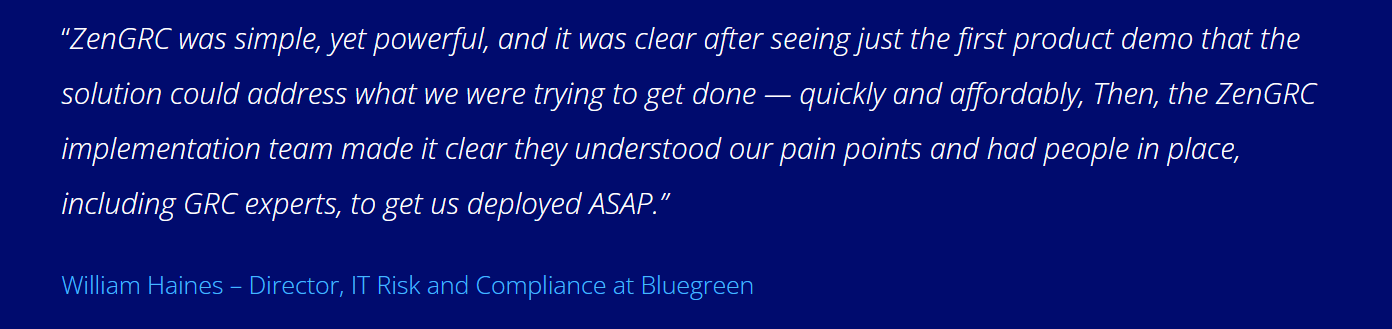
ZenGRC has been helping organizations strengthen GRC and automate multi-framework compliance programs since 2009. Companies like Bazaarvoice and Bluegreen Vacations use ZenGRC to manage ISO 27001, SOC, SOX, audits, vendors, and risk with less manual effort. That experience gives us real insight into evaluating GRC platforms.
10 Top GRC Software for 2026
Below is a summary of the platforms we will cover in this review:
| # | Platform | Key Strength | Main Trade-Off | Pricing Estimate |
| For Early Stage/Mid-Market (Lean Compliance Teams) | ||||
| 1 | ZenGRC | Best overall for multi-framework GRC | Risk trend features still developing | Custom |
| 2 | Vanta | Fast audit readiness | Pricing rises with scope | $15K to $35K yearly |
| 3 | Drata | Technical control monitoring | Custom setup needs technical resources | $12K to $60K+ yearly |
| 4 | Secureframe | Guided compliance workflows | Advanced automation sits in higher tiers | $12K to $60K yearly |
| 5 | Hyperproof | Control and policy mapping | User-based pricing can grow | Starts around $12K yearly |
| For Enterprise (Complex Environments) | ||||
| 6 | OneTrust | Privacy and risk governance | Reporting may need extra setup | Custom |
| 7 | RSA Archer | Privacy and risk governance | Navigation can slow daily work | Starts around $14K yearly |
| 8 | ServiceNow IRM | Risk tied to IT operations | GRC workflows may feel ITSM-shaped | Entry near $50K yearly |
| Open Source (Technical Teams) | ||||
| 9 | Eramba | Flexible open-source GRC | Evidence collection is mostly manual | Free, or €5K yearly |
| 10 | CISO Assistant | Broad framework mapping | Automation is underdeveloped | Free, or €39 per contributor monthly |
For Early Stage/Mid-Market (Lean Compliance Teams)
1. ZenGRC – Best for organizations managing multiple frameworks with lean teams, active audits, and growing vendor-risk demands
ZenGRC is the leading GRC platform for mid-market organizations, giving compliance teams a unified place to manage controls, audits, vendor risk, and evidence across frameworks like SOC 2, ISO 27001, HIPAA, HITRUST, NIST, PCI, and CMMC. It excels in multi-framework compliance, where cross-mapping, automated compliance workflows, and audit-ready reporting significantly reduce duplicate work.
Key Features
- Control Mapping: Test once and reuse evidence across mapped frameworks.
- Audit Management: Track requests, assessments, issues, and audit status.
- Vendor Risk Management: Manage questionnaires, reviews, and vendor risk records.
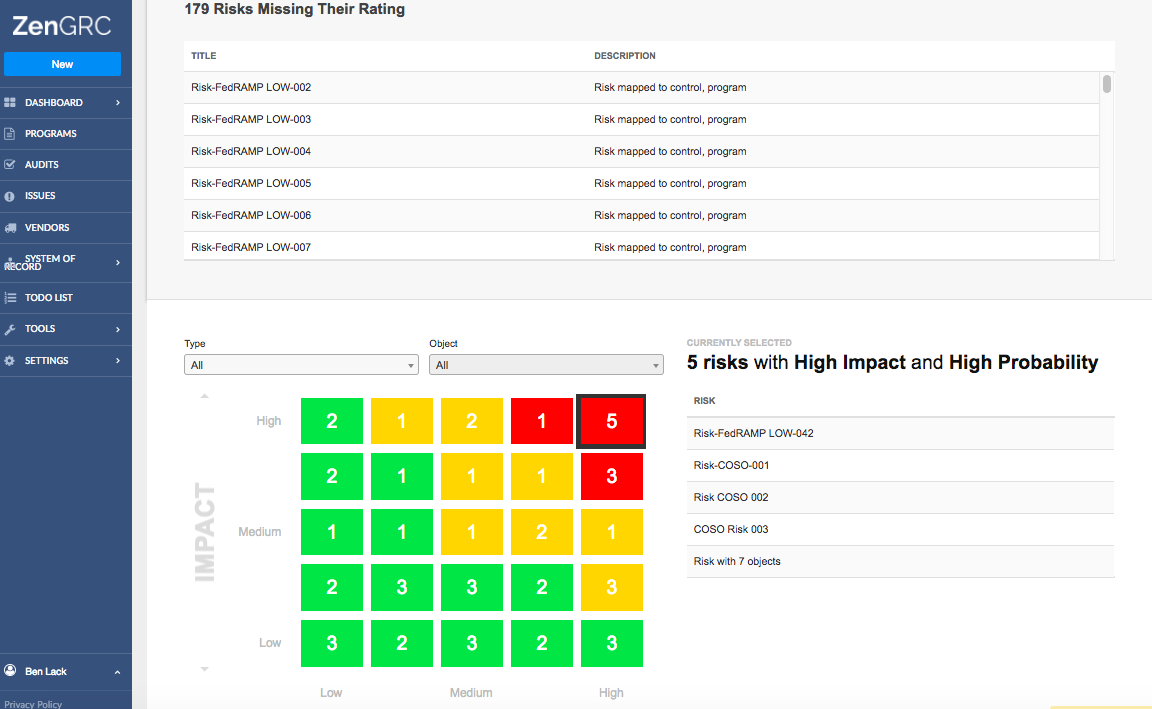
- Risk Assessment: Monitor risk scores, heatmaps, timelines, and reporting.
- AI Control Assessments: Review control effectiveness using uploaded evidence.
Pricing
- Pricing varies based on frameworks, users, and deployment needs. Book a demo to determine exact pricing figures.
Pros
- Reduces duplicate evidence work across SOC 2 and ISO 27001
- Flat-rate model helps avoid per-framework pricing creep
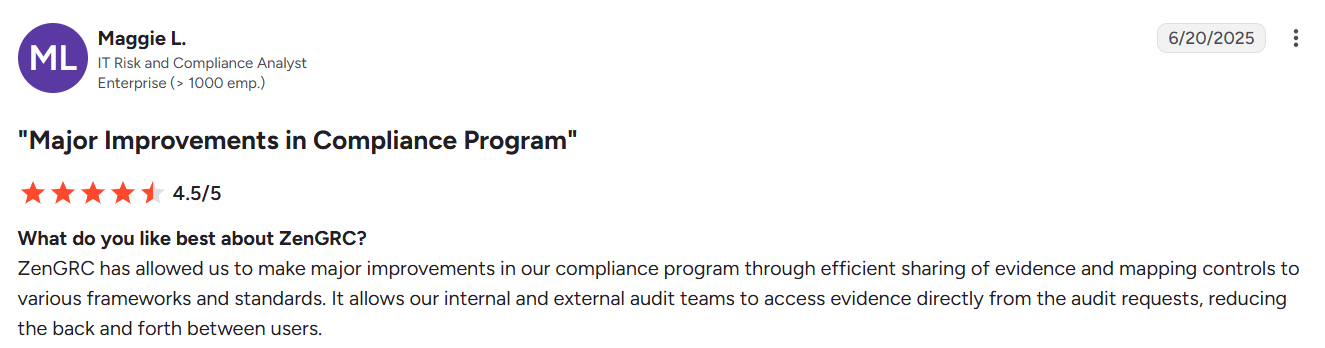
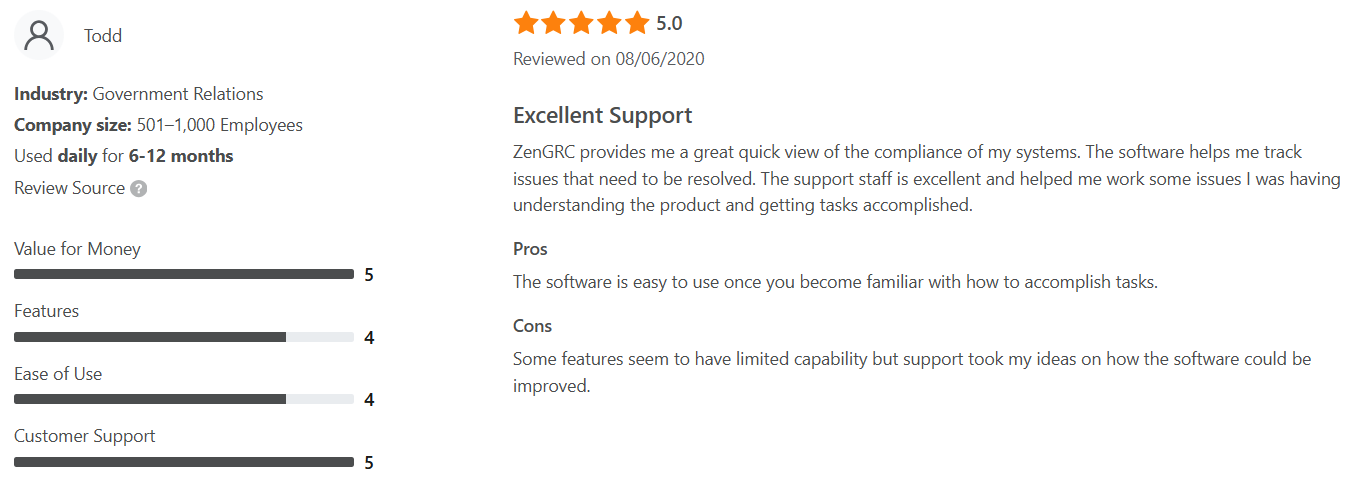
- Named support and implementation help shorten time to value
- Strong fit for healthcare, payments, and government contractor compliance
- Keeps audit context centralized, reducing knowledge loss when compliance owners change
- Helps teams shift from audit firefighting to continuous GRC program management
Cons
- Risk score rollups and trend tracking features are still developing
2. Vanta
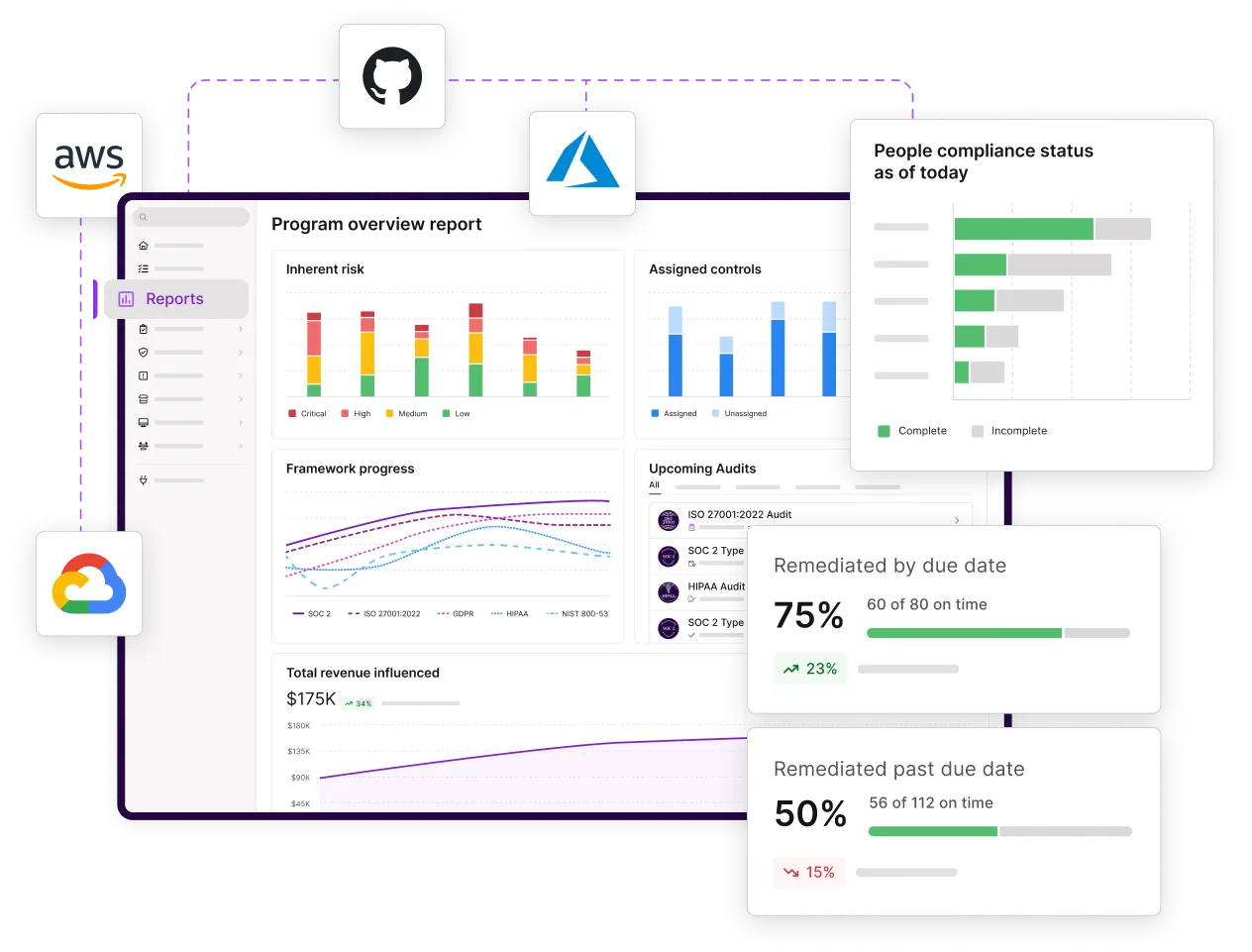
Vanta is built around audit readiness, especially for SOC 2 and ISO 27001 programs connected to common SaaS, cloud, identity, and endpoint tools. Its strength is automated compliance evidence collection, hourly control monitoring, and Trust Center workflows that help security teams respond to customer proof requests with less manual back-and-forth.
Key Features
- Evidence Collection: Pulls audit evidence from hundreds of integrations.
- Audit Management: Manages IRLs, evidence review, and auditor access.
- Control Monitoring: Runs hourly tests across connected systems.
- Vendor Risk Management: Supports vendor reviews and questionnaires.
- AI Agent: Helps with policies, evidence review, and risk flags.
Pricing
- Pricing for a single SOC 2 framework typically falls between $15,000 and $35,000 annually.
Pros
- Solid fit for first SOC 2 or ISO 27001 audits
- Good visibility into failing tests and remediation work
- Trust Center helps reduce repetitive security requests
- Works well with standard SaaS and cloud environments
Cons
- Reporting still needs more depth for advanced customization
- Pricing can climb with headcount and add-ons, unlike ZenGRC’s flat-rate pricing
Best For: SaaS companies that need certification workflows and customer-facing trust proof.
3. Drata
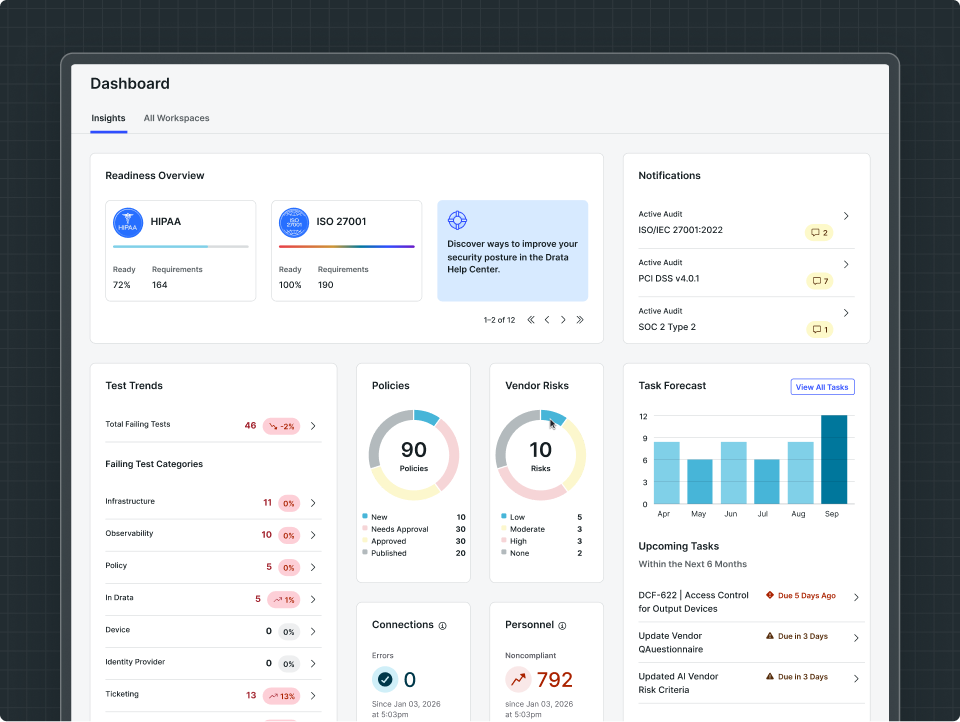
Drata is known for continuous control monitoring, technical integrations, and cross-framework control rationalization across programs like SOC 2, ISO 27001, PCI DSS, HIPAA, and NIST CSF. Its GRC workflows go beyond first-audit automation with internal audits, Custom Connections, Workspaces, Trust Center capabilities, and risk assessment visibility.
Key Features
- Control Monitoring: Tracks control health with continuous automated tests.
- Audit Management: Supports internal audits and pre-audit evidence packages.
- Control Mapping: Maps shared controls across multiple frameworks.
- Vendor Risk Management: Automates assessments, follow-ups, and reviews.
- Custom Connections: Pulls evidence from proprietary or niche systems.
Pricing
- Reported ranges from $12,000 to $60,000+ per year depending on company size and scope.
Pros
- Offers flexible access controls that allow broader stakeholder involvement
- Workspaces help manage different products or business lines
- MTTR tracking gives clearer remediation performance data
- Strong option for technical cloud and DevOps environments
Cons
- Integrations require additional setup compared to plug-and-play tools
- Custom Connections require development resources to configure well
Best for: Organizations with structured cloud environments, multiple product lines, and technical GRC workflows.
4. Secureframe
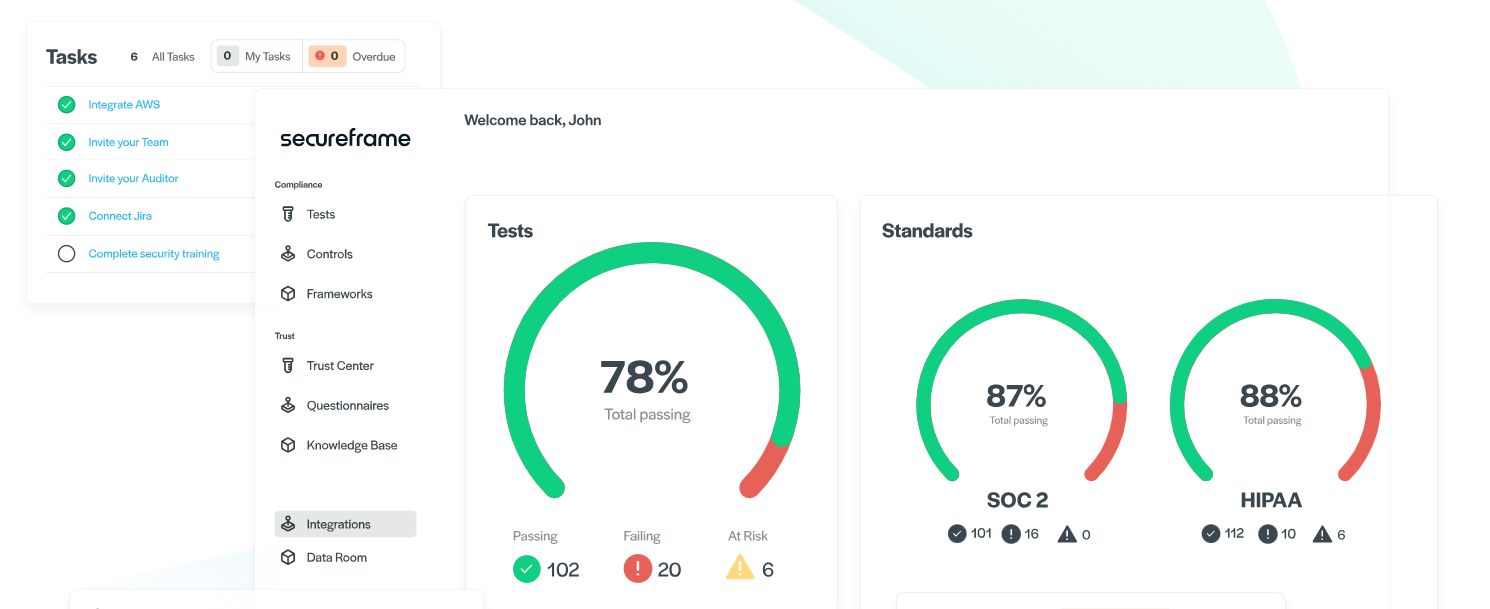
Secureframe pairs compliance automation with guided support, giving it a practical edge for SOC 2, ISO 27001, HIPAA, PCI DSS, GDPR, NIST, and CMMC programs. Its capabilities include AI evidence validation, structured user access reviews, and remediation guidance that connects compliance findings to engineering work.
Key Features
- Evidence Validation: Checks uploaded evidence before audit review.
- Policy Management: Centralizes policies with version control and approval workflows.
- Audit Management: Provides auditor views, comments, and report tracking.
- Vendor Risk Management: Reviews vendor documents and assessments.
- User Access Reviews: Runs structured, audit-ready access reviews.
Pricing
- Reported ranges from $12,000 to $60,000 per year depending on company size and scope.
Pros
- Guided support helps teams interpret controls and audit requests
- Access review workflows reduce spreadsheet-heavy review cycles
- AI remediation guidance supports cloud and engineering fixes
- Audit completion tools keep report revisions in one place
Cons
- Some workflows rely on manual steps for complex vendor assessments
- Advanced questionnaire automation is reserved for higher-tier plans
Best for: Companies that want certification automation with guidance and structured access reviews.
5. Hyperproof
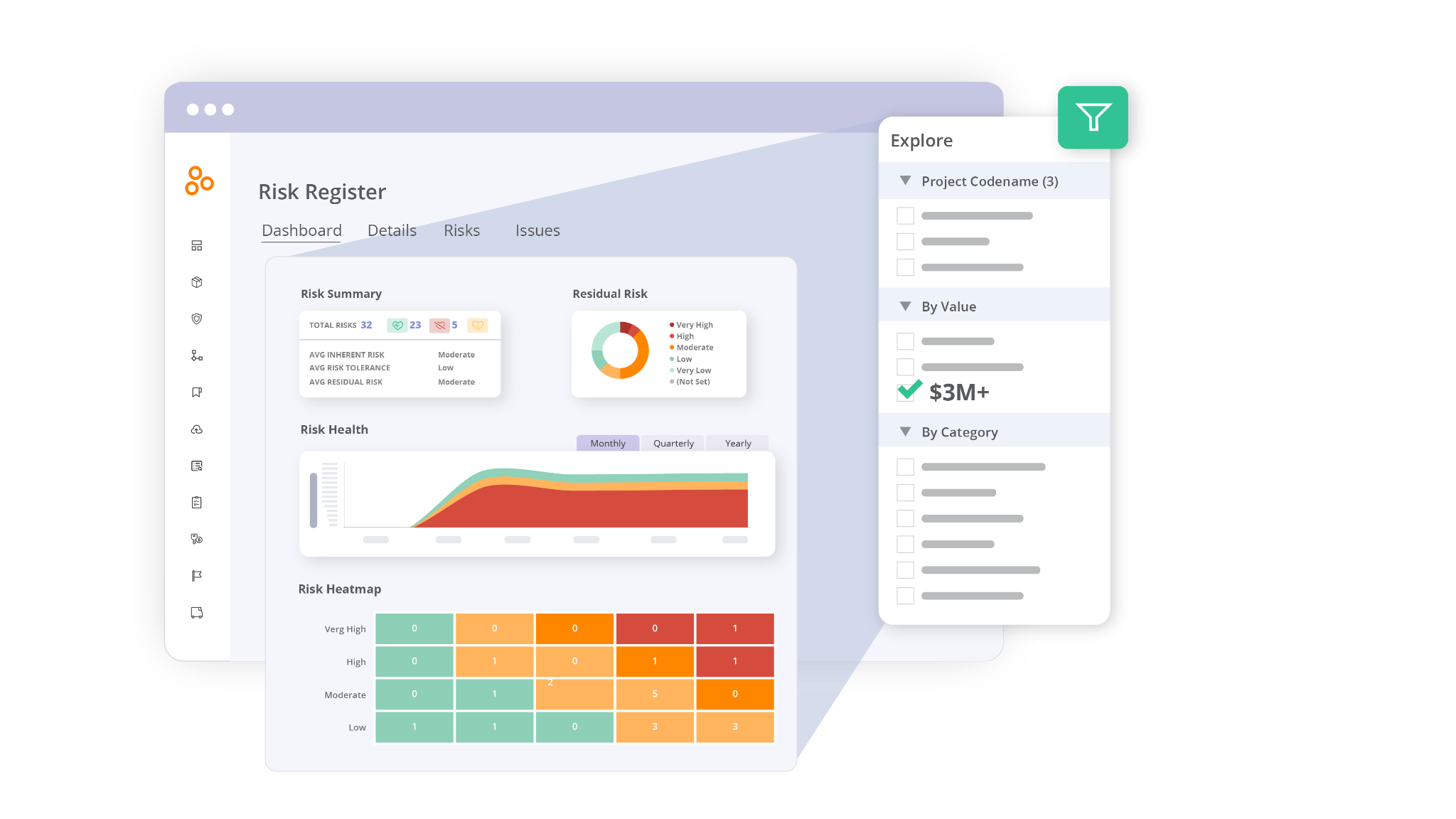
Hyperproof brings GRC work into a structured system of controls, risks, policies, evidence, and audit workflows. It focuses on cross-framework control mapping, evidence reuse, AI Guided Experiences, and real-time visibility across compliance programs. Supported frameworks include SOC 2, ISO 27001, HIPAA, PCI DSS, NIST CSF, FedRAMP, and CMMC.
Key Features
- Control Mapping: Maps one control to multiple framework requirements.
- Evidence Reuse: Uses Labels to apply proof across programs.
- Audit Management: Tracks requests, evidence, status, and collaboration.
- Risk Assessment: Links risks, controls, policies, and remediation work.
- Policy Management: Manages approvals, exceptions, and policy ownership.
Pricing
- Subscription pricing starts around $12,000 annually, with add-on modules priced separately.
Pros
- Universal control model helps reduce duplicate compliance work
- No-code workflows make recurring tasks easier to manage
- Dashboards give leadership clear program and audit visibility
- AI Guided Experiences support mapping and evidence validation
Cons
- Not suitable for organizations with very complex vendor risk programs
- User-based pricing can grow as more stakeholders need access
Best for: Organizations that need broad framework coverage, policy governance, and audit workflows.
For Enterprise (Complex Environments)
6. OneTrust
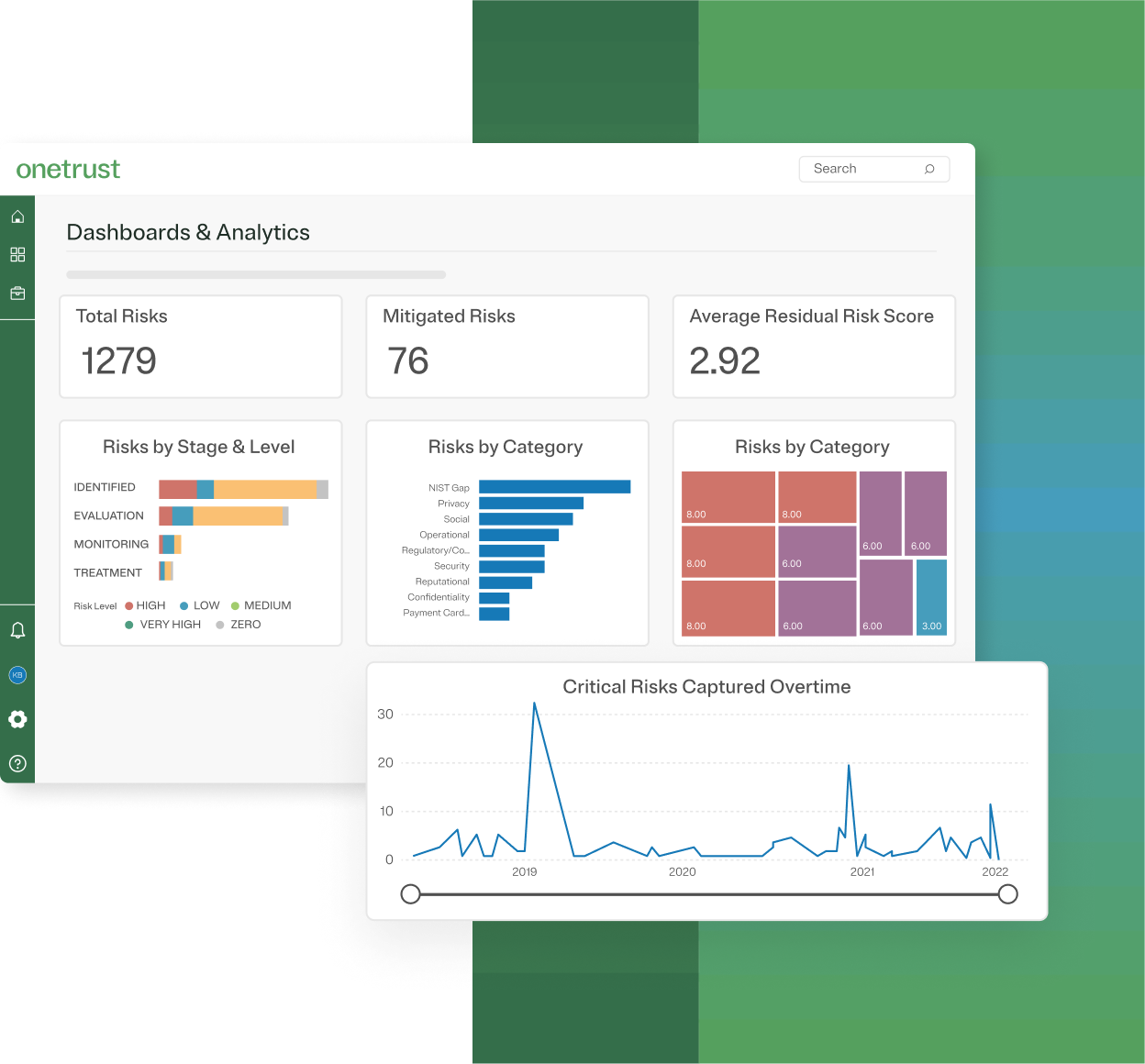
OneTrust integrates privacy, risk, compliance, audit, third-party risk, and AI governance into a broad enterprise system. It has wide coverage across multiple frameworks and jurisdictions. OneTrust also supports regulated workflows where SOC 2, ISO 27001, HIPAA, PCI DSS, GDPR, and vendor risk management intersect.
Key Features
- Compliance Automation: Maps controls, evidence, and tasks across frameworks.
- Audit Management: Manages audits, workpapers, scope, and readiness projects.
- Vendor Risk Management: Tracks vendors, assessments, risks, and controls.
- Risk Assessment: Uses registers, workflows, scoring, and treatment tasks.
- AI Governance: Manages AI inventories, risks, controls, and compliance.
Pricing
- OneTrust offers custom pricing that depends on modules, scope, and contract length.
Pros
- Strong privacy and regulatory coverage for global programs
- Modular setup lets organizations expand by function
- Third-Party Risk Exchange adds external risk intelligence
- Broad APIs and integrations support enterprise workflows
Cons
- Interface feels confusing and dated
- Cross-module reporting needs more setup than ZenGRC’s unified reporting
Best for: Organizations managing privacy, AI governance, risk, and compliance across many jurisdictions.
7. RSA Archer
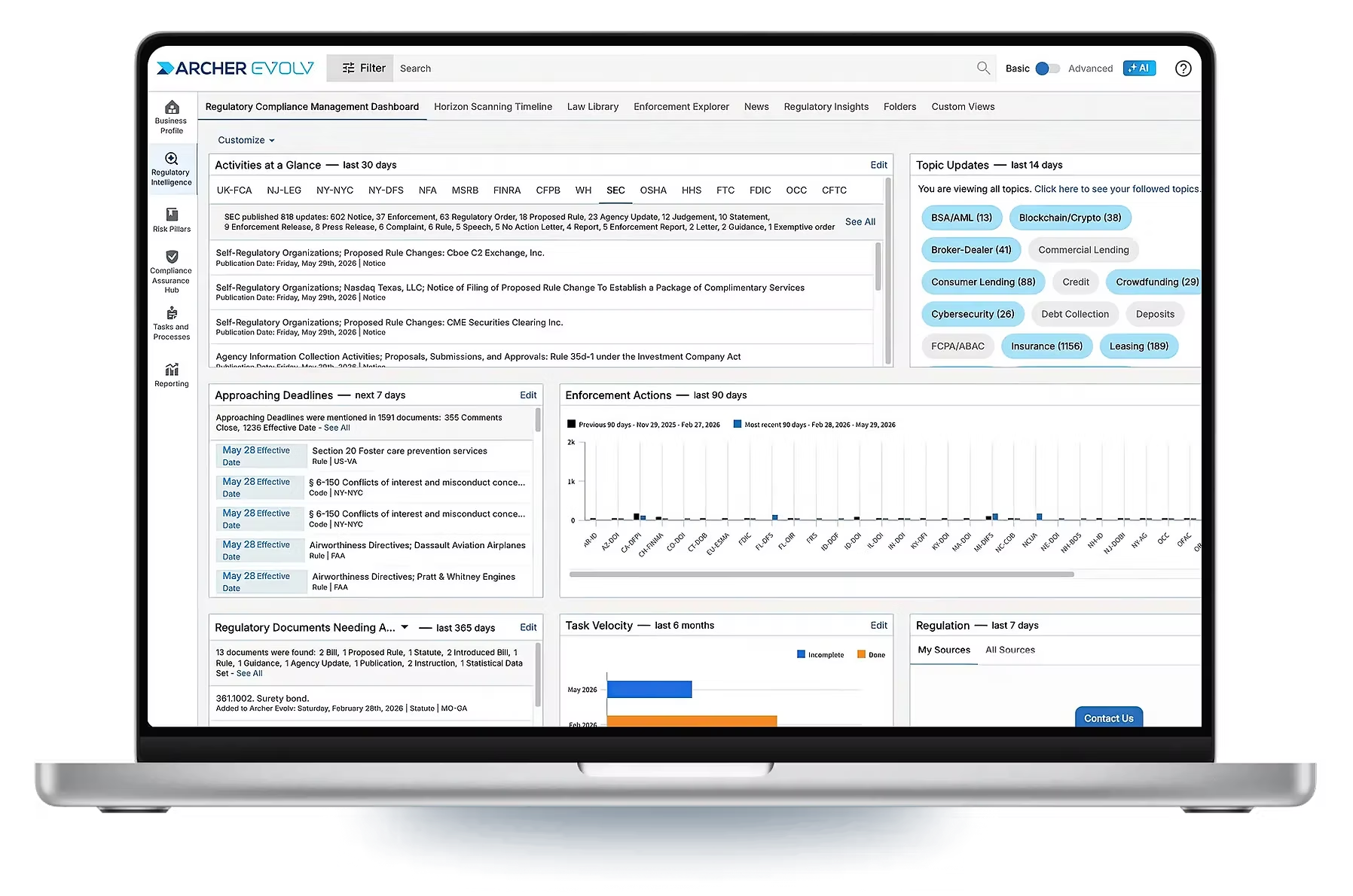
RSA Archer offers enterprise GRC into a configurable system for risk, compliance, audit, third-party governance, and business resiliency. It includes capabilities such as risk registers, control libraries, audit workpapers, workflow automation, and reporting, with support for complex programs that span SOC 2, ISO 27001, PCI, GDPR, and internal control requirements.
Key Features
- Risk Assessment: Tracks risks, controls, KRIs, losses, and treatments.
- Audit Management: Manages audit universe, workpapers, findings, and remediation.
- Control Mapping: Supports test once, satisfy many control coverage.
- Vendor Risk Management: Manages third-party risk and vendor governance.
- Workflow Automation: Builds visual workflows with actions and approvals.
Pricing
- Quote-based, with public estimates starting around $14,000 annually.
Pros
- Strong audit management depth for internal audit teams
- Granular access controls support complex business structures
- Large report library helps standardize risk and audit reporting
- Application Builder supports tailored GRC workflows
Cons
- Navigation is unintuitive, requiring extra steps to complete common tasks
- Search results are inconsistent, making it harder to quickly locate records or reports
Best for: Organizations that need deep customization, audit depth, and enterprise risk governance.
8. ServiceNow IRM
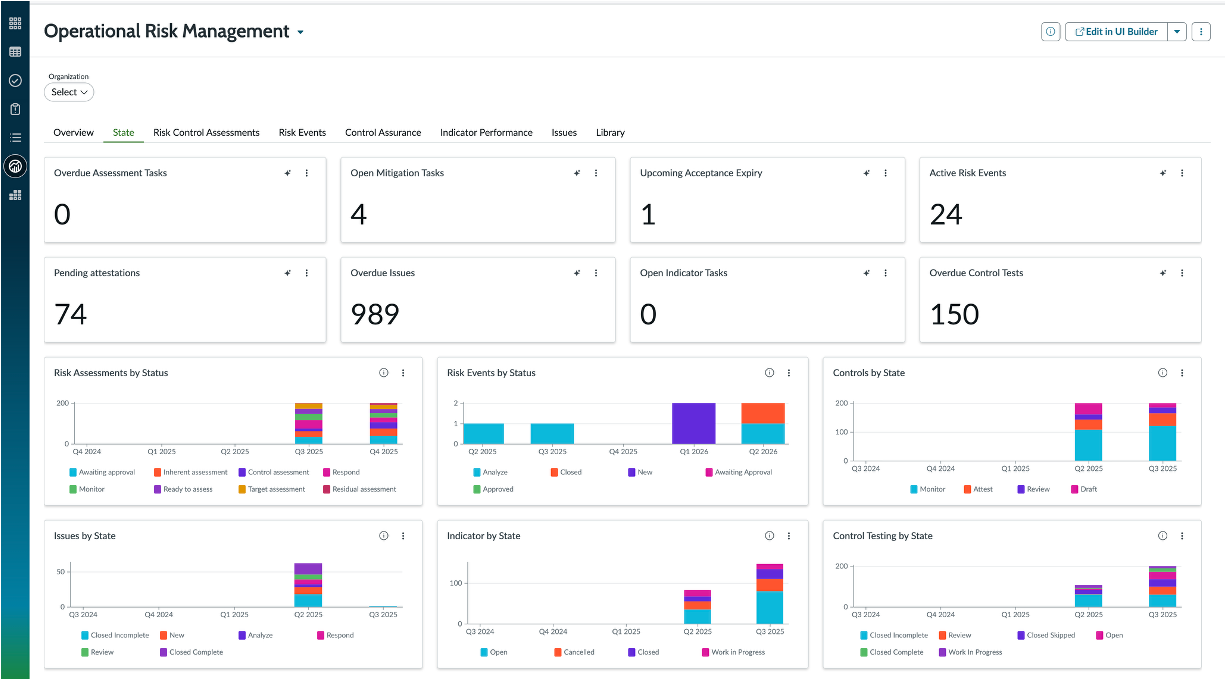
ServiceNow IRM connects risk, compliance, audit, policy, vendor risk, and operational resilience work to the Now Platform. It is often used where risk data needs to flow from ITSM, SecOps, HR, and IT operations into structured risk assessment, control monitoring, and audit management workflows.
Key Features
- Risk Assessment: Manages risk registers, scoring, responses, and monitoring.
- Compliance Management: Maps policies, controls, frameworks, and issues.
- Audit Management: Supports audit planning, workpapers, and reporting.
- Vendor Risk Management: Handles third-party assessments and monitoring.
- AI Assistance: Summarizes risks, issues, and control objectives.
Pricing
- ServiceNow IRM uses quote-based IRM licensing, with reported entry costs near $50,000 annually.
Pros
- Native ServiceNow integration connects risk work to IT operations
- Automated indicators help monitor key controls and issues
- Model Risk Management supports financial services use cases
- Now Assist adds practical summaries and control rationalization
Cons
- GRC workflows can feel ITSM-shaped, unlike ZenGRC’s purpose-built workflows
- Licensing and entitlement scoping can be difficult to forecast
Best for: Enterprises already using ServiceNow that want risk, compliance, and IT workflows in one system.
Open Source (Technical Teams)
9. Eramba
Eramba brings open-source GRC into a practical web application for risk, compliance, audit, and vendor workflows. It supports frameworks such as ISO 27001, NIST, SOC 1, SOC 2, PCI DSS, DORA, and NIS2, with community templates and transparent deployment options. But as with many community driven open source projects, the limited contributor resources slow development.

Key Features
- Risk Management: Tracks asset, third-party, and business-unit risks.
- Compliance Management: Handles requirements across multiple frameworks.
- Audit Management: Supports internal audits, findings, and reviews.
- Vendor Risk Management: Uses questionnaires to update vendor risk scores.
- Policy Management: Manages policy creation, reviews, and distribution.
Pricing
- Free Community edition available. Enterprise costs €5,000 per year for one organization.
Pros
- Free Community edition has no user or data limits
- Active community forums offer troubleshooting help and peer insights
- Community templates help build programs from scratch
- Flat Enterprise pricing makes budget planning easier
Cons
- Evidence collection depends more on manual workflows
- Control mapping can be difficult for broader audit scopes
Best for: Organizations that need flexible GRC workflows with customizable risk, audit, and compliance processes.
10. CISO Assistant
CISO Assistant is another open-source GRC for risk, compliance, audit, TPRM, privacy, AppSec, and reporting. It has solid framework coverage, automatic control mapping, and a design that separates cybersecurity controls from compliance requirements across SOC 2, ISO 27001, NIST, PCI DSS, DORA, and HIPAA.

Key Features
- Control Mapping: Maps controls across 100+ global frameworks.
- Risk Assessment: Tracks risks, assets, remediation, and impact.
- Audit Management: Centralizes audits, evidence, and findings.
- Vendor Risk Management: Supports third-party assessments and reviews.
- Reporting: Generates views for auditors, regulators, and leadership.
Pricing
- Free Community edition; PRO starts at €39 per contributor per month.
Pros
- Free Community edition supports core GRC workflows
- Transparent PRO pricing makes evaluation easier
- Custom frameworks can be added with simple syntax
- Local-first AI approach supports sensitive environments
Cons
- Automated evidence collection is underdeveloped
- Bulk import and UI improvements are common user requests
Best for: Organizations needing extensive framework mapping and customizable deployment.
How To Choose the Best GRC Platform
Use these checks to narrow the shortlist before demos and pricing calls.
1. Match The Platform To Your Framework Load
A first SOC 2 or ISO 27001 audit often prioritizes speed, but a three-framework program requires native control mapping to avoid duplication. Choose software that supports what you will add next, not just what you need now.
2. Size It To Your Team
A lean compliance team should not need a dedicated GRC admin to operate the platform effectively. ZenGRC fits this gap well for teams managing several frameworks without adding enterprise-level overhead.
3. Check The Work Automation Actually Removes
Evidence collection, access reviews, vendor assessments, and audit tasks should reduce manual follow-up across your workflows. If automation still depends on weekly chasing, the workload has only moved rather than improved.
4. Project Long-Term Costs
Look beyond the first quote when comparing vendors. Ask how pricing changes when you add users, vendors, frameworks, modules, audit support, and reporting needs over time.
Streamline Multi-Framework GRC With ZenGRC
The best GRC software should match your stage, compliance scope, and ability to scale beyond a first SOC 2 audit.
ZenGRC helps lean compliance teams bring frameworks, controls, audits, and vendor risk activities into one system. With cross-framework control mapping, automated compliance workflows, audit management, vendor risk management, and AI-powered control assessments, it reduces duplicate work. It also keeps risk and compliance data easier to act on.
Book a demo today to see how ZenGRC can support your next audit, framework, or vendor risk review.
Frequently Asked Questions (FAQs)
1. What Is The Difference Between Compliance Automation And GRC Software?
Compliance automation focuses on evidence collection, control checks, and audit readiness, often for SOC 2 or ISO 27001. Full GRC software adds risk assessment, audit management, vendor risk management, policy workflows, and broader framework oversight.
2. How Does AI Help In GRC?
AI is useful when it performs specific tasks like evidence validation, control mapping, risk summaries, or policy drafting. ZenGRC applies AI to control assessment and program scoping while keeping compliance teams in review.
3. Should I Choose Open-Source Or Commercial GRC Software?
Open-source tools suit technical teams that want control, customization, and lower licensing costs. Commercial platforms fit teams that need automated compliance, support, integrations, and faster rollout without maintaining the system themselves.
4. When Should We Move Beyond Spreadsheets?
Move when evidence is duplicated across frameworks, audit tasks lack ownership, vendor reviews pile up, or reporting depends on one person. Spreadsheets can track work, but they rarely preserve program context well.
5. What Should I Ask During A GRC Demo?
Ask to see failed controls, exception handling, evidence exports, custom reports, and a full audit workflow. A polished dashboard matters less than how the platform handles messy audit reality.