
LogicGate Pricing Breakdown and a Flat-Rate Alternative for Lean Compliance Teams
Quick Summary
LogicGate doesn’t publish pricing on its website. You pay per application and per Power User license, then get a custom quote. Standard and External Users don’t need licenses, but each new use case, such as third-party or enterprise risk, is another Application on your bill. ZenGRC works differently: one flat rate covers unlimited users, frameworks, and vendors, along with compliance, risk, and third-party risk in one platform.
How LogicGate’s Pricing Works and Where Costs Can Grow
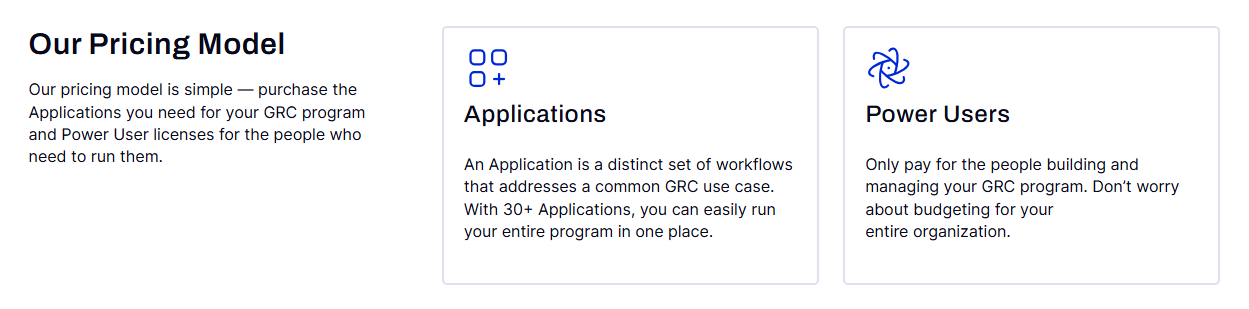
If you’ve searched for LogicGate pricing, you already know the answer isn’t on their website. LogicGate’s own pricing page asks you to request custom pricing through a form. You won’t find published dollar figures, named tiers, or a public rate card anywhere on their pricing page.
That makes it tough to compare options or build a business case before you’re in a sales conversation.
What LogicGate does explain publicly is how the pricing works. According to their pricing page, you buy the Applications you need and the Power User licenses for the people running them. We’ll break that down below.
LogicGate’s Pricing Model Explained
LogicGate’s Risk Cloud platform charges you based on three things.
1. Applications: LogicGate defines an Application as “a distinct set of workflows that addresses a common GRC use case.” The platform offers applications across governance, risk, and compliance. You purchase the ones you need, so your price reflects how many Applications your program uses.
If you start with Controls Compliance and later add Enterprise Risk Management or Third-Party Risk, you pay for each one separately.
2. Power User licenses: Anyone who configures workflows or sets permissions inside Risk Cloud counts as a Power User, and each one needs a paid license. Standard Users, who view and work on records, complete tasks, and create reports, don’t need a license. Neither do External Users, the third parties who fill out questionnaires.
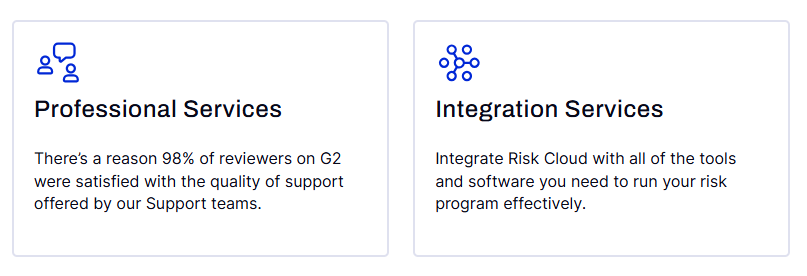
3. Optional add-ons: On top of applications and Power User licenses, LogicGate lets you add features and services to your plan. These include Risk Cloud Quantify (a financial risk modeling tool that uses Monte Carlo simulations and the Open FAIR™ model), implementation services, professional services, and integration services.
Where LogicGate’s Pricing Gets Complicated
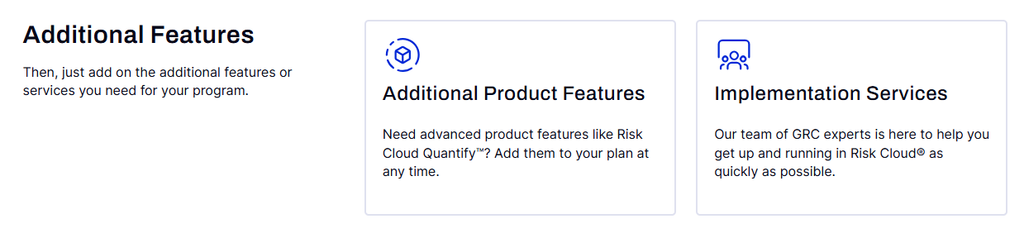
Because LogicGate prices by Application and Power User, your costs grow as you add Applications to your program. And since prices aren’t published, you won’t know the exact cost until you’re in a sales conversation.
For multi-framework teams, it helps to know where those costs come from. LogicGate’s Controls Compliance Application supports frameworks including SOC 2, HIPAA, ISO 27001, NIST CSF, and PCI DSS, with pre-defined mappings across 30+ frameworks. Costs grow when you expand into other use cases, such as third-party risk or enterprise risk management, which are separate Applications that each need to be implemented.
When you request a quote, ask:
- Which Applications will your program need now, and as it grows?
- How many Power User licenses will you need?
- Which add-on features and services are included: implementation, professional services, or integrations?
Two other cost factors are worth keeping in mind:
1. Implementation can take time: LogicGate’s no-code graph database is genuinely flexible, and the platform holds a 4.6/5 rating on G2. But that flexibility comes with setup work. LogicGate says no-code configuration gets teams “live in weeks, not months,” while some G2 reviewers say initial setup and workflow configuration take time, especially for teams new to GRC. LogicGate offers implementation services, so ask what your implementation includes.
2. Integration setup may cost extra: LogicGate lists integration services among the add-on services on its pricing page. If your team relies on pulling evidence from tools like AWS, Jira, or ServiceNow, ask which integrations your quote includes..
How ZenGRC’s Pricing and Features Provide a Better Alternative
We’re a governance, risk, and compliance platform built for compliance teams managing multiple frameworks, and we take a different approach to pricing.
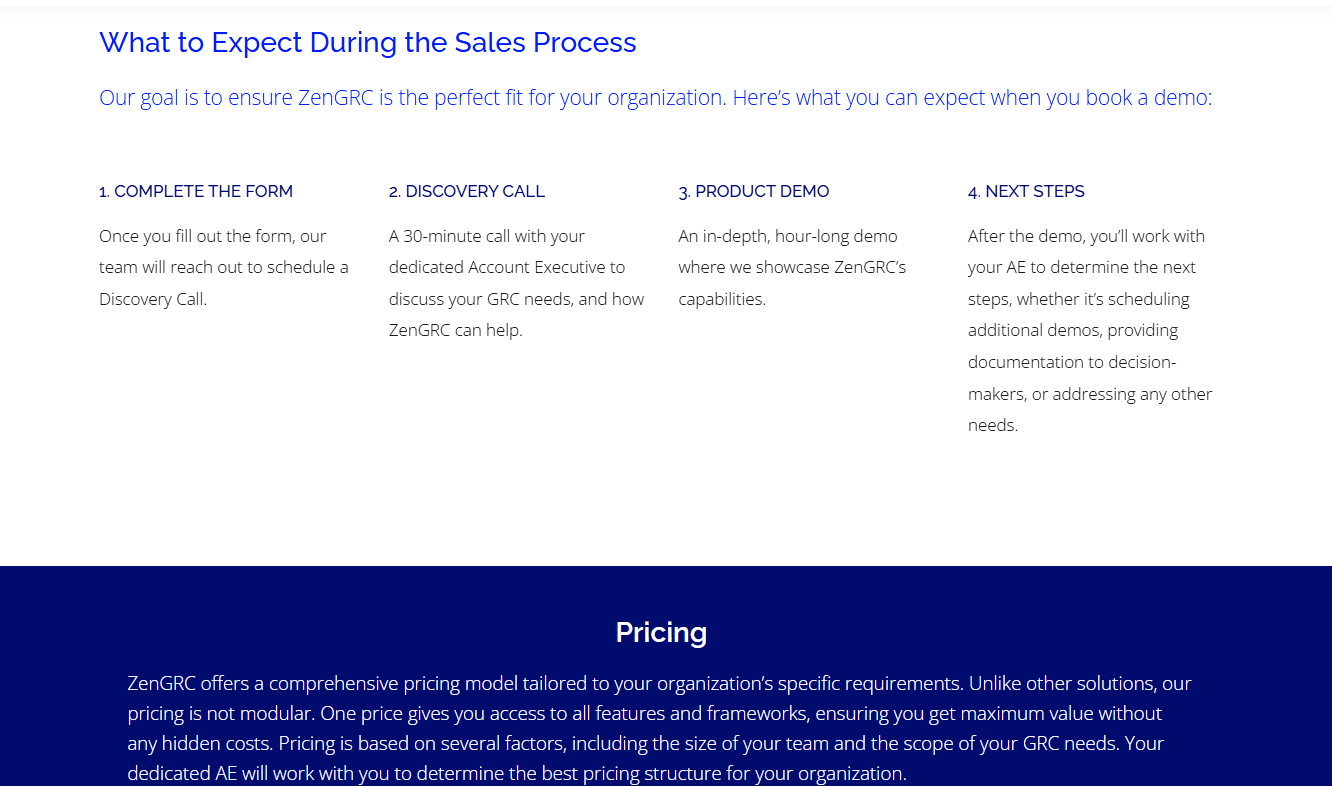
We charge one all-inclusive rate. That covers every user on your team, every framework you run, and every vendor you assess. It also covers compliance, risk, third-party risk, and AI automation in one platform, so expanding into a new use case doesn’t mean buying a new module
So if you start with SOC 2 and later add HIPAA, HITRUST, and ISO 27001, or bring vendor risk into the same program, your price doesn’t change with each addition. And cross-framework control mapping lets you test a control once and apply the evidence across every framework that shares it.
Every customer also gets a designated Customer Success Manager, and onboarding includes expert guidance, with typical onboarding taking 4–8 weeks. You can read more about our customer experience.
A closer look at what ZenGRC includes for one flat rate
The table below compares both models side by side.
| # | Factor | LogicGate | ZenGRC |
|---|---|---|---|
| 1 | Pricing model | Per Application + per Power User license | Flat rate, all-inclusive |
| 2 | Published pricing | No | No (request a demo) |
| 3 | Adding new use cases (e.g., enterprise risk, third-party risk) | Each use case is a separate Application to add to your plan | Compliance across unlimited frameworks, plus risk and third-party risk, included in one all-inclusive price |
| 4 | User licenses | Power Users paid, Standard/External free | Unlimited users included |
| 5 | Implementation support | Three implementation packages (Quick Start, Standard, Custom); Implementation Services listed among add-on services | Designated onboarding specialist and CSM with expert guidance; typical onboarding 4–8 weeks |
| 6 | Ongoing support | Customer Success and Customer Support teams; Technical Account Manager available through Professional Services | Designated CSM and support team for every customer |
A few of these differences are worth calling out.
1. Pricing across use cases: With LogicGate, each new use case is an Application you add to your plan. With ZenGRC, compliance, risk, audit, vendor management, and evidence automation are all included for one price. Adding frameworks, users, or vendors doesn’t change your price.
2. Time to value: ZenGRC brings controls, risks, frameworks, evidence, and audits together in one platform, and typical onboarding takes 4–8 weeks. LogicGate reports an average implementation of 96 days. If your next audit is 60 days out, you need a platform that’s live with weeks to spare.
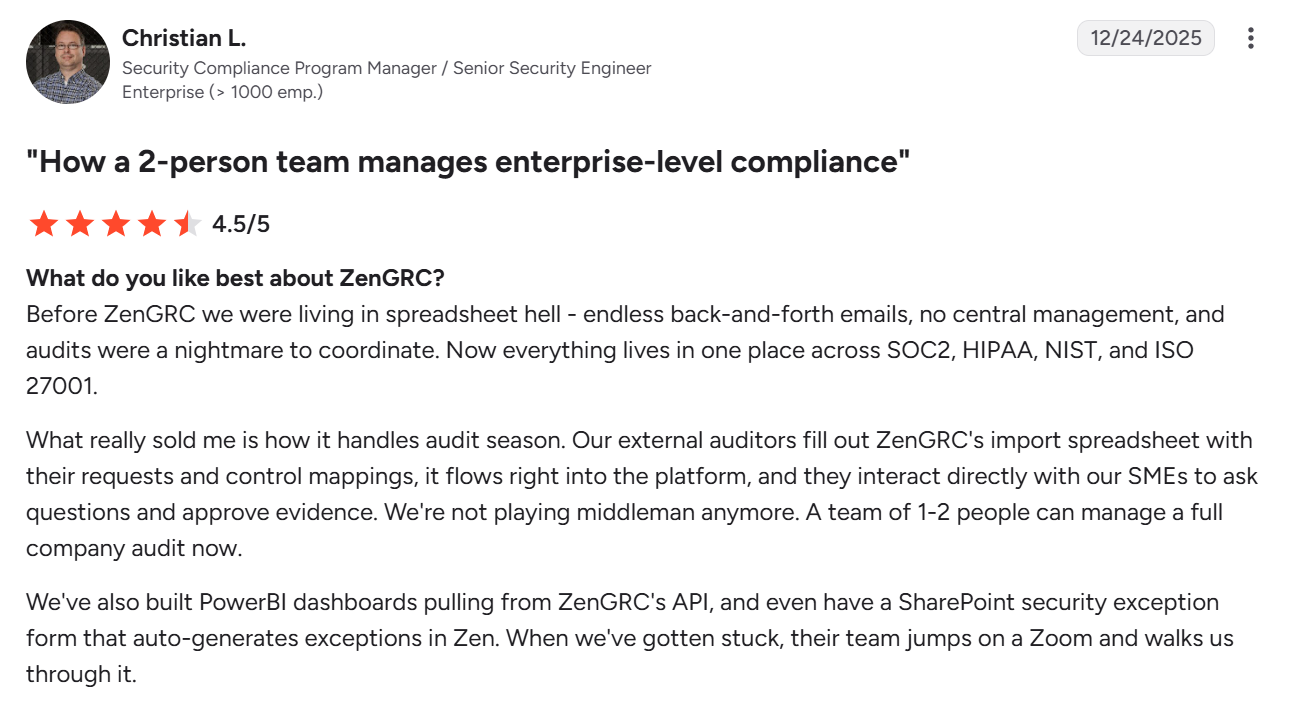
3. Who runs the platform: LogicGate’s no-code graph database lets you build custom workflows, and its model centers on Power Users, the platform administrators who build Applications and manage permissions. That suits teams with someone ready to own the platform. But if your compliance team is 3-10 people without a platform specialist, ZenGRC is designed for your team to run, so their time goes to the compliance program, not to managing the platform.
Get a predictable price for your compliance program
LogicGate is a good option if you want to build highly custom risk workflows and have someone ready to own the platform. Its no-code graph database gives you that flexibility.
ZenGRC is built specifically for mid-market compliance teams managing multiple frameworks. Cross-framework control mapping means you can test a control once and reuse the evidence wherever it applies, while the rest of your compliance and risk work stays in the same platform. And because pricing doesn’t change as you add frameworks, users, or use cases, your costs stay predictable as your program grows.
Book a ZenGRC demo, and we’ll walk through your compliance program and show you what’s included in one flat rate.
Frequently asked questions
What is a Power User in LogicGate?
LogicGate splits its users into three tiers. Power Users are the paid tier — they configure workflows, set permissions, and build out your Risk Cloud environment. Standard Users can view records and complete assigned tasks at no extra charge, and External Users (third parties filling out questionnaires) are also free.
How does ZenGRC’s pricing model work?
ZenGRC charges a single flat rate that includes every user, framework, and vendor in your program. There are no per-module fees and no per-seat charges, so your cost doesn’t climb as your compliance scope grows. You can request a demo to see how it maps to your program.
Is LogicGate or ZenGRC better for multi-framework compliance?
Both support multi-framework compliance. LogicGate’s Controls Compliance Application maps controls across 30+ frameworks, and its no-code graph database lets you build custom workflows around them. Each additional use case, such as third-party or enterprise risk, is a separate Application, and platform administrators need Power User licenses.
How long does it take to implement each platform?
ZenGRC’s typical onboarding takes 4–8 weeks, led by a designated onboarding specialist and Customer Success Manager with expert guidance. LogicGate reports an average implementation of 96 days and offers three implementation packages: Quick Start, Standard, and Custom. Both timelines depend on your program’s complexity.